
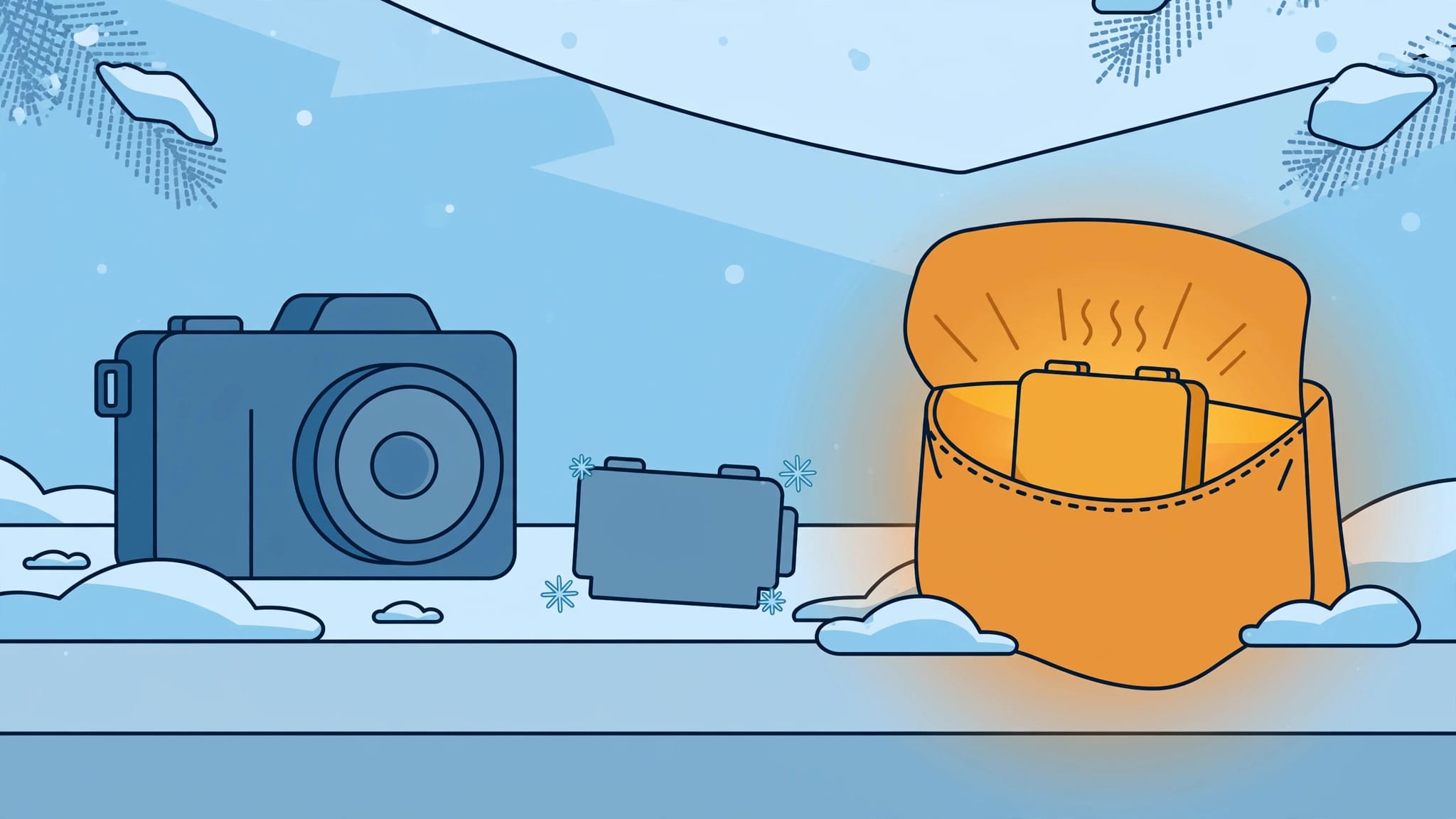
A camera battery loses usable power in cold weather because freezing conditions slow its internal chemical reactions and increase resistance. As a result, your camera can shut down sooner, even when the battery showed a full charge indoors.
You can protect usable battery life by keeping spares warm and reducing unnecessary power use. However, bringing frozen equipment indoors needs a separate routine to prevent condensation.
Start by understanding why a battery can appear empty while it still holds charge.
Key Takeaways
- Cold slows a battery’s chemical reactions and restricts ion movement, lowering its voltage under load. A battery that shuts down outside may regain some usable capacity after gradual warming.
- Keep charged spare batteries warm, dry, and protected from contact with metal objects. Use batteries compatible with your camera and reduce unnecessary screen, wireless, and recording power use.
- Before bringing a cold camera indoors, remove its battery and card, seal the dry gear in a closed camera bag, and let it warm fully before opening the bag or charging the battery.
- For trail cameras, lower infrared power, use short video clips, and reduce frequent cellular uploads. Short winter days and low sun can limit solar charging.
Why cold weather shortens camera battery life
Voltage drops when the camera demands power
A battery supplies electricity through chemical reactions and the movement of ions. Cold slows these processes, so the battery delivers less power and its voltage drops more under load.
When a cold battery can’t supply the current required by a camera’s processor and screen, its voltage can fall below the shutdown threshold even though the cell still contains stored energy.
Research on cold-weather lithium-ion battery performance identifies slower reaction kinetics and restricted ion movement as major limitations. For photographers, that means reduced available capacity and shorter effective runtime.
Some apparent capacity returns after warming
The effect is often temporary. A battery that triggers a low-power warning outside may work again after warming gradually in an inner pocket. Keep it away from direct heat.
Warming doesn’t recharge it. It helps the cell deliver some energy that cold made inaccessible. A temporary loss, not a dead cell.
However, don’t blame every shutdown on temperature. A battery that also drains quickly indoors may be worn out. Stop using one that swells or no longer fits its compartment properly.
Choose the right battery chemistry for winter
Rechargeable camera packs and disposable lithium AA cells use different chemistries. Their cold-weather behavior isn’t interchangeable, even though both carry the word “lithium.”
Here are the practical differences.
| Battery type | Cold-weather behavior | Appropriate use |
|---|---|---|
| Proprietary lithium-ion pack | Reduced available capacity and voltage under load | Compatible mirrorless, DSLR, compact and action cameras |
| Alkaline AA | Voltage and capacity fall sharply near freezing | Short outings where the camera supports them |
| Primary lithium AA batteries | Maintains steadier voltage in cold than alkaline | Compatible trail cameras and AA-powered equipment |
| Rechargeable NiMH AA | Performance depends on cell design and temperature | Compatible AA cameras and flashes |
For an AA-powered trail camera, primary lithium AA batteries such as Energizer Ultimate Lithium are generally a stronger winter choice than alkaline cells. Never recharge disposable lithium AAs.
For a mirrorless camera, match the exact battery code. Sony’s NP-FZ100 and Fujifilm’s NP-W126 aren’t substitutes for one another. For third-party batteries, verify camera compatibility, charger support, and cold-weather performance; a matching code doesn’t guarantee equivalent runtime.
Research into lithium-ion batteries in cold conditions also shows why there’s no universal percentage loss: cell chemistry and construction affect performance. A claim that every camera loses half its runtime below freezing is too broad.
Keep warm spares ready while shooting
Carry protected batteries under your layers
Keep at least one charged spare in an inner jacket pocket, close to your body. For long winter sessions or extensive video, carry two.
Keep the terminals covered. An individual case prevents contact with keys or coins and helps protect the battery from damp clothing.
A photographer’s Seattle ferry experience, recounted in the travel battery and charger guide, illustrates the benefit. The main battery weakened during the Elliott Bay crossing, but a spare carried in a jacket pocket allowed photography to continue.
Swap before the camera becomes unreliable, rather than waiting for it to fail during a passing subject.
Reduce avoidable power demand
Shorten automatic image review and switch off wireless connections when you don’t need them to reduce power consumption. Let the camera sleep between opportunities instead of leaving its screen active.
For mirrorless cameras, both the rear display and electronic viewfinder consume power. Use whichever suits the shot, but avoid leaving either running while you walk. A lens warmer can help keep the lens clear during a long, stationary shoot, but it won’t warm the camera battery.
Hand warmers can become hot enough to damage a battery. Never place one directly against a cell; keep a fabric barrier and separation between them.
Finally, practice battery changes with gloves before leaving home. Keep depleted batteries in a different pocket so you don’t accidentally reinstall one.
Bring a cold camera indoors without trapping moisture
Warm indoor air contains moisture that can condense on cold equipment. Weather sealing doesn’t prevent this cold-related problem.

Pack the camera before entering
Before you enter a heated cafe after photographing snowy streets, switch off the camera and remove its battery and SD card outside, then seal the body and lens inside a dry camera bag.
Wait until the card-access light goes out before removing anything. Removing the battery also prevents accidental power-on during storage.
Put the battery and card in separate dry protective pouches. Then close the camera bag and leave it closed indoors until the equipment has warmed.
A lens warmer doesn’t replace sealing cold gear in a bag before entering warm air.
At about -20°C (-4°F) or colder, a clean, dry towel or T-shirt around the camera inside a Ziploc-style bag can absorb moisture from melting frost. Brush loose snow and frost from the camera, and check for packed snow before sealing it. Don’t seal the camera with a wet cloth.
Allow enough time for gradual warming
These are conservative field-planning estimates, not universal manufacturer requirements.
| Outdoor temperature | Approximate closed-bag warming time |
|---|---|
| 0°C to -10°C (32°F to 14°F) | 2 to 4 hours |
| Below -10°C but above -20°C | Around 6 hours |
| About -20°C (-4°F) or colder | 8 hours or longer |
Large lenses and heavily insulated bags may take longer. Keep the camera bag closed throughout acclimation rather than opening it repeatedly indoors.
The same sealed-bag habit helps when protecting camera gear in snow, especially during cafe stops. Don’t charge the removed battery until it has warmed and is dry.
Reduce winter drain on trail cameras
Trail cameras face a different problem: they must stay powered unattended, often through long nights.
Limit infrared use and recording time
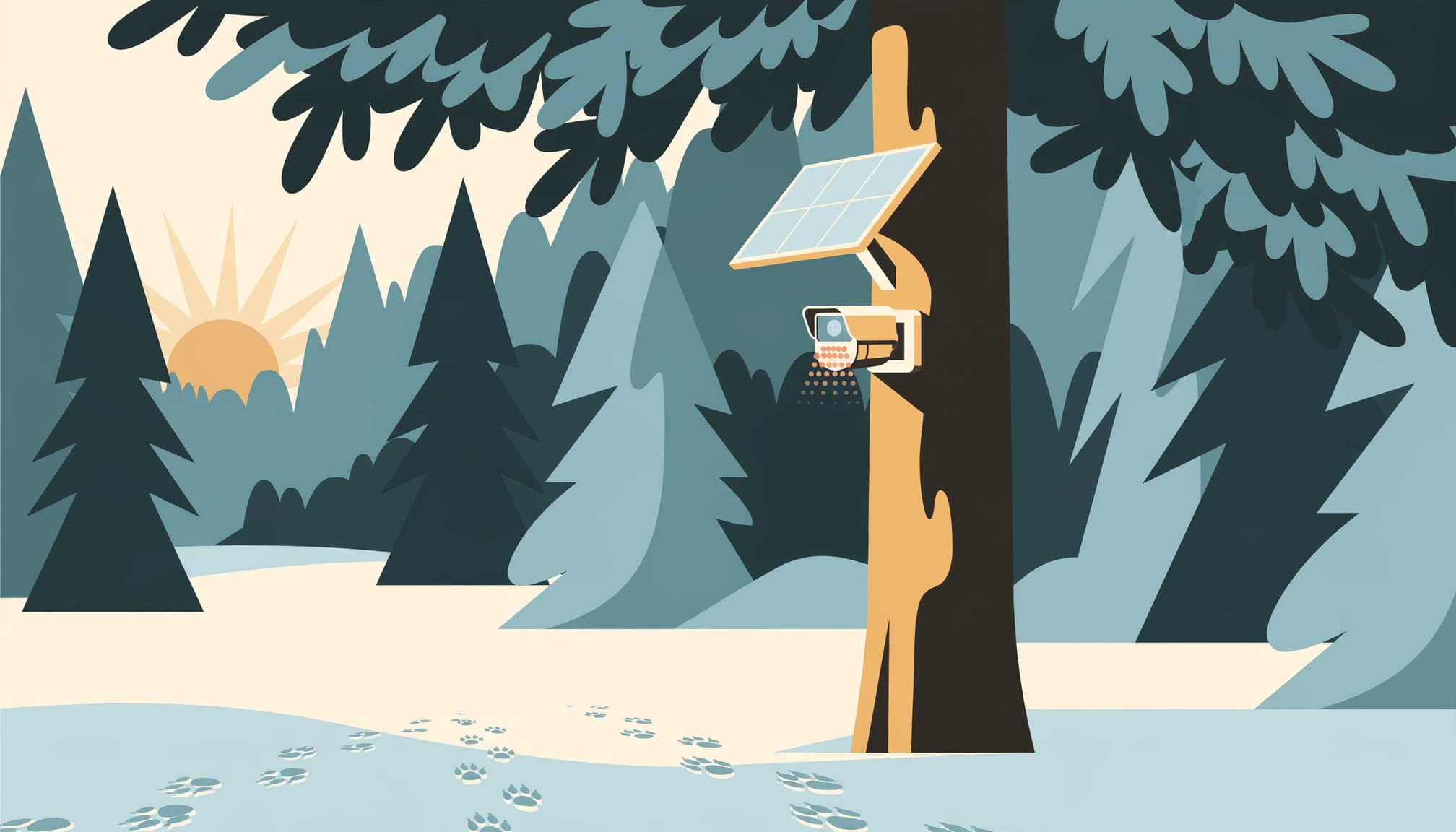
Infrared LEDs are among a trail camera’s largest power loads. Longer winter nights increase how often nighttime illumination operates.
For wildlife monitoring, start with photo mode, low or medium IR power, and single-shot or small-burst capture. A trigger interval of 10 to 30 seconds reduces repeated activations, although it can miss closely spaced activity.
After a test night, review the trigger interval. Adjust it only if repeated activations justify the risk of missing activity. Test scheduled or time-lapse photo mode before leaving the camera unattended.
If video is necessary, use 5- to 10-second clips. Video recording generally consumes much more energy than taking individual photos.
Use a reliable Class 10 or U1 SD card for compatible trail cameras in photo mode. A failing card can prolong writes or cause repeated errors; higher-bitrate video may require a faster card.
Improve placement and manage uploads
Mount the camera beside a substantial tree trunk in a sheltered position with useful daylight. Avoid exposed, windy locations, and keep insulation clear of sensors.
Cellular cameras also spend energy transmitting images. Weak reception can prolong uploads, while cold reduces the battery’s ability to support that demand. Where available, scheduled batches reduce frequent cellular connections.
Use an external battery pack only with models that support it, and protect its connectors from snow.
Solar support needs realistic expectations. Short days and low sun angles reduce winter energy harvest, while snow can block the panel completely.
Cold itself can improve solar-cell efficiency. The winter problem is usually limited sunlight and charging restrictions, so a small solar panel may not sustain a busy camera alone.
GoPro and other camera bodies need different settings
Action cameras combine continuous recording with small batteries, so a cold-related voltage drop can interrupt an entire clip.
GoPro’s cold-weather battery guidance gives a concrete example: HERO10 Black turns off its front and rear displays when the battery detects 0°C (32°F) or below. That behavior reduces demand without necessarily indicating a camera fault.
A compatible GoPro Enduro battery is designed for improved cold-weather performance. However, it doesn’t remove the need for warm spares or careful charging.
For larger cameras, distinguish weather resistance from operating range. Nikon rates the Z8 for operation down to -10°C, but that doesn’t promise normal battery runtime there. When comparing weather-sealed camera bodies, treat temperature ratings and moisture protection as separate specifications.
Frequently asked questions
Can I charge a battery immediately after a freezing shoot?
No. Let it warm gradually and dry before charging. Charging a lithium-ion battery below its permitted temperature can cause permanent damage, even when the same battery can discharge safely in the cold.
A battery’s safe charging temperature can be higher than its safe operating temperature.
Avoid radiators or other direct heat sources. A warm room and patience are safer than trying to accelerate the process.
How long should the camera stay bagged when going outside?
Around 15 minutes can be a useful initial pause when moving into freezing conditions, but it isn’t a universal requirement. Large temperature differences and bulky lenses can need longer.
Keep the gear sheltered while it cools. Also, keep your breath away from cold glass, since moisture can fog or freeze on the front element.
Is an inner pocket safe for spare batteries?
Yes, provided each battery has protected terminals and stays dry. Keep loose metal objects elsewhere, and don’t put a hand warmer directly beside the cell.
Make the battery change routine
Before your next winter outing, put on your gloves and rehearse a battery change indoors. Give the charged spare a fixed place so you can reach it without unpacking your bag.
Then store it under your jacket, inside an individual case with covered terminals.
