

To keep faces visible in backlit street photography, expose generously enough for usable skin detail, then protect the background highlights that matter. Shoot RAW so you can brighten the face selectively afterward.
The difficulty is deciding what can go bright without sacrificing the person’s expression. Your exposure priority should follow the subject, rather than a rule that every highlight must survive.
Start by finding light that reaches the face, even when the sun sits behind it.
Key Takeaways for Your Next Frame
- Find reflected light before increasing exposure. A pale wall facing your subject can brighten shaded eyes without changing the background.
- Judge clipping by its location. A tiny sun reflection can disappear into white; a broad patch of featureless skin needs a different exposure.
- Keep shutter speed fast enough for the person. Stabilization helps camera movement, but it won’t stop someone walking.
Find Backlight That Leaves the Face Readable
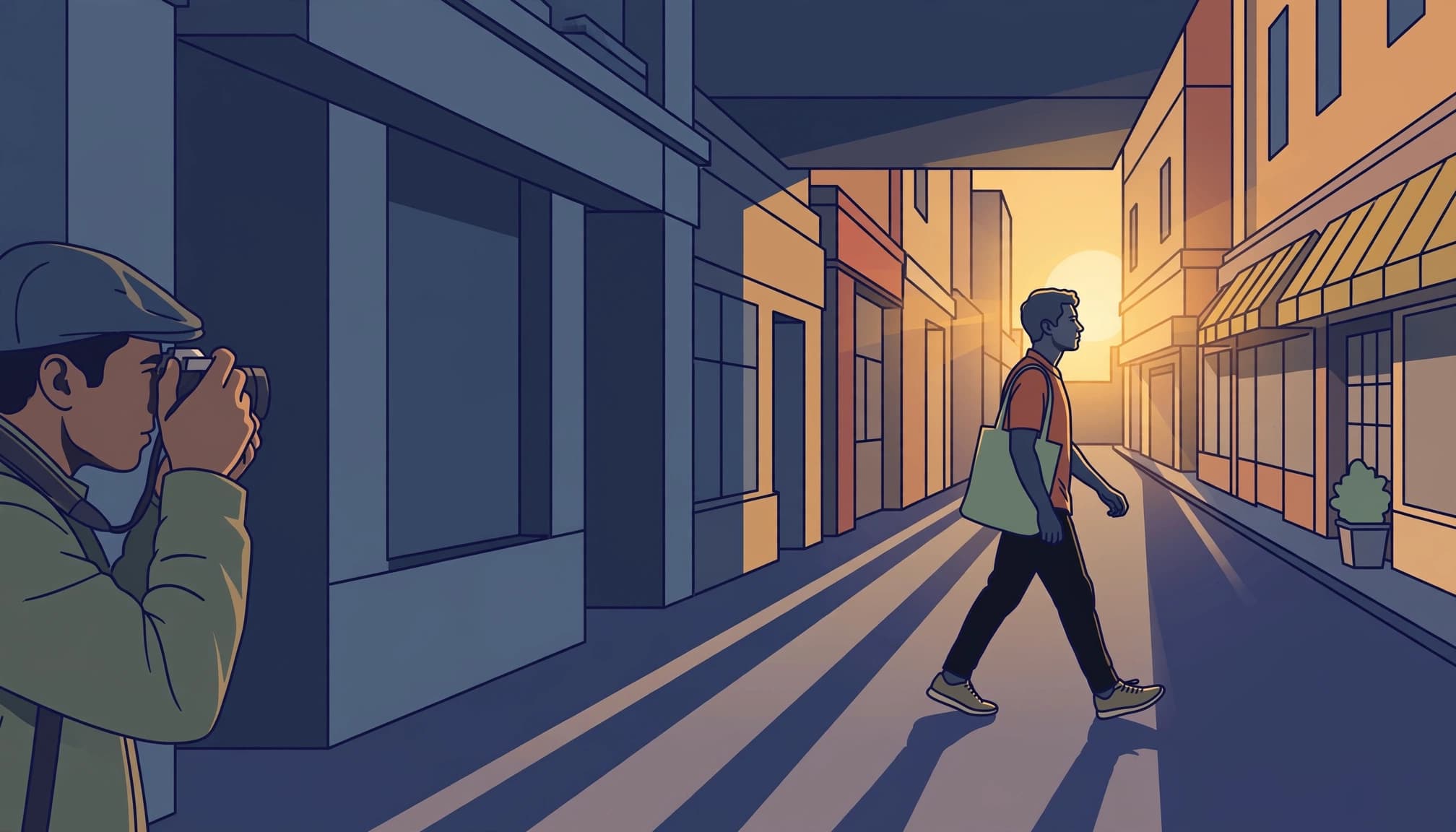
Open shade in front, sunlight behind.
Look for reflected fill
A bright wall across the street can act as a large reflector. Position yourself so people face that surface while sunlight catches their hair or shoulders from behind.
However, deep doorways often remove too much frontal light. Try the outer edge of an arcade instead, where open sky still illuminates faces. Avoid a hard shadow boundary slicing through someone’s eyes.
The direction of available light changes the contrast you need to manage. Before adjusting settings, compare the face near a building entrance with the face nearer the pavement.
Block direct sun from the lens
Veiling flare reduces contrast across the image, so a face can look washed out despite adequate exposure. A lens hood helps when sunlight enters from outside the frame.
If the sun appears inside the composition, move slightly until a building edge hides it. You can retain a bright rim around the subject without pointing straight into the light.
Clean the front element, too. Fingerprints scatter strong backlight and make shadow recovery look hazy. A small change in camera position can restore more facial definition than extra contrast during editing.
Meter for the Face Without Sacrificing the Street
Start with a usable facial exposure
Start with the face. In aperture priority, try positive compensation if the bright background makes skin too dark. An adjustment of +2/3 EV is a useful test, not a universal prescription.
Nikon’s explanation of spot metering describes its usefulness when the background differs strongly in brightness. However, metering skin doesn’t automatically produce the right tone: a meter generally aims toward a middle brightness.
If the camera exposes for a bright sky while your subject walks through deep shade, increasing exposure may reveal their expression but also erase texture in a sunlit wall behind them.
Inspect important highlights, not just the histogram
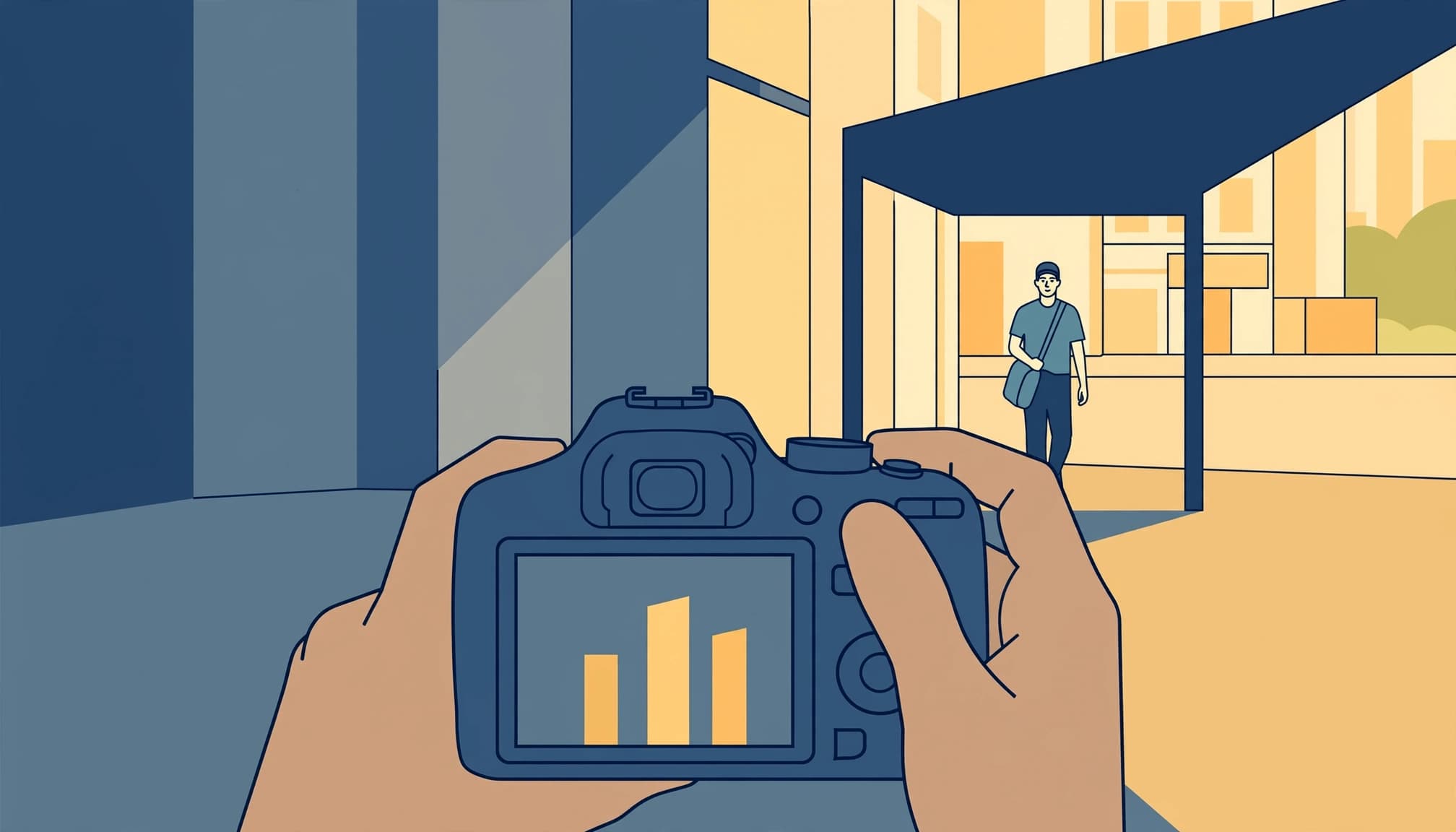
The histogram shows brightness distribution, but it can’t tell you which pixels belong to a cheek. Compare highlight warnings with the actual picture.
Let small glints clip. Preserve texture in skin and any prominent sunlit facade that supports the composition.
If those areas clip, reduce exposure slightly, then inspect the face again. Don’t keep darkening the file until an irrelevant reflection stops blinking.
Protecting a bright wall helps only while the face retains enough information to edit.
If that balance is impossible, change your angle or wait for the person to reach softer light.
Choose Camera Settings That Protect Expression
Manual exposure with Auto ISO lets you set motion control and depth of field while sensitivity responds to changing light. Where your camera supports it, exposure compensation can bias that automatic ISO choice.
These are practical starting points for handheld photographs, rather than fixed exposure recipes.
| Subject movement | Shutter speed | Aperture | ISO |
|---|---|---|---|
| Walking across the frame | 1/500 second | f/4 to f/5.6 | Auto |
| Pausing or standing | 1/250 second | f/4 to f/5.6 | Auto |
Use the walking setting first when you’re uncertain. Raise shutter speed for faster movement or a tighter view.
A tripod won’t freeze a pedestrian. Likewise, image stabilization can’t repair motion blur in an eye.
Aperture priority also works, provided you watch the shutter speed as people enter shade. If it drops too far, raise ISO or open the aperture.
Remember that metering modes evaluate different areas. With automatic exposure, changing the proportion of bright sky can alter settings even though the light on the face hasn’t changed.
For a fixed viewpoint with consistent facial lighting, fully manual exposure prevents those background-driven shifts. However, reset it when the subject moves into different light.
Focus and Wait Where the Light Works
Keep autofocus on the person
Keep the eyes sharp. Continuous autofocus suits walking subjects, and eye detection can help when the face remains large enough in the frame.
However, strong backlight can make detection unreliable. If focus jumps to the background, use a smaller autofocus area over the face or a contrasty edge beside it.
Review an early frame at full magnification. Brightening a face later won’t restore missed focus, and heavy sharpening only makes soft edges look harsher. With a close subject, f/5.6 gives you more depth-of-field tolerance than shooting wide open.
Prepare before the person arrives
In 1893, Alfred Stieglitz waited three hours in a snowstorm to make Winter, Fifth Avenue, his photograph of a horse-drawn carriage. The practical lesson is preparation: establish the composition before a fleeting subject enters.
For backlit street photography, find a patch of reflected light and make a test exposure there. Then watch approaching pedestrians rather than your settings.
Take a short burst as someone reaches that position. Afterward, choose the frame with a readable expression, rather than accepting the brightest photograph automatically.
Recover Facial Detail Without Flattening the Light

Establish the background, then lift the face
First, adjust overall exposure until the street looks believable. Reduce Highlights where useful, but don’t expect a featureless white area to regain texture merely because you recorded RAW.
Next, isolate the face. Lightroom Classic’s masking tools include automatic People selections alongside manual brushes.
Increase local Exposure gradually, then lift Shadows only as needed. Keep some darkness under the brow so the face retains shape.
When a face needs several stops of brightening before you can recognize the eyes, the file may show enough noise and color damage that moving to better reflected light would have produced a stronger photograph.
Control color and mask edges
Shaded skin can look cooler than sunlit hair. Meanwhile, reflected light from a brick wall may add orange to one cheek.
Adjust temperature and tint within the face mask instead of neutralizing the entire street. Retain some difference between warm sunlight and cool shade.
Inspect the hairline at 100% magnification. A mask extending into the background creates a bright halo, especially beside dark hair.
Apply noise reduction cautiously because excessive smoothing removes skin texture. Finally, toggle the mask off and on: the edit should reveal an expression while preserving the original direction of light.
FAQ: Faces Against Bright Backgrounds
Should I use fill flash?
Fill flash can reduce the brightness gap in a cooperative street portrait. With permission, use TTL flash as a starting point, then lower flash output if the face looks brighter than its surroundings.
Bright daylight may require high-speed sync when your shutter exceeds the camera’s normal flash-sync speed. However, high-speed sync reduces effective flash output.
For candid work, reflected daylight is often less disruptive. Flash changes the interaction, so choose it deliberately rather than treating it as an automatic solution.
Can a phone preserve facial detail?
Yes, within limits. Tap the face, then adjust exposure while watching both skin and the important background. Phone behavior varies, so judge the resulting image rather than assuming a tap has solved everything.
Computational HDR can help, but moving people may show blending artifacts. Inspect the outline around the head before keeping the frame.
For a camera or phone, exposure bracketing is usually less dependable with moving pedestrians. A well-timed single frame avoids the problem of combining different facial positions.
Give the Next Face a Better Chance
At your next backlit corner, choose one place where reflected daylight reaches eye level. Make a test frame before anyone arrives, then keep that exposure ready while you watch the pavement.
After the first pedestrian passes, inspect the eye detail at full magnification. Compare it with the brightest cheek, then adjust by one-third stop if either needs attention.
Return to the same framing and wait for the next person to reach the edge of the awning.
