
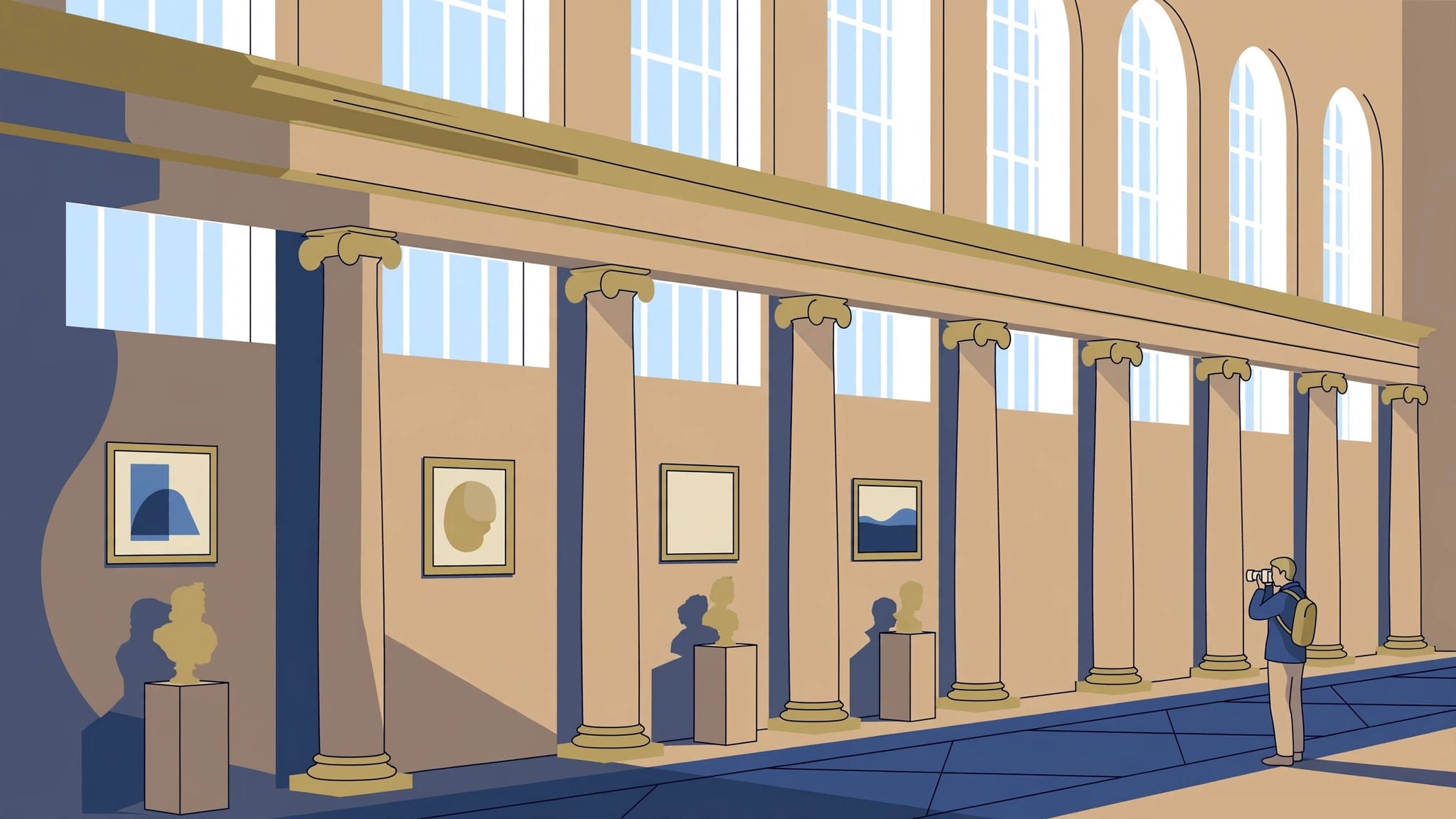
For sharp museum interior photography without flash, use a safe shutter speed and raise ISO when necessary. When a gallery combines bright windows with dim display areas, a modest increase in ISO usually produces a more useful photograph than a slower shutter speed that leaves architectural edges blurred.
A little noise is usually manageable. The challenge is preserving the room’s existing atmosphere while keeping important details sharp. Start with the museum’s rules, then build your technique around the available light.
Key Takeaways
- Choose a shutter speed you can hold steadily, then adjust aperture and ISO to suit the room.
- Preserve detail in bright windows without trying to brighten every shadow. Flash-free photographs can retain the contrast that makes historic interiors distinctive.
Respect the Rules in Each Room
Disable flash before entering. Also turn off your camera’s autofocus-assist lamp when it could disturb visitors or illuminate exhibits.
The Louvre’s photography policy prohibits flash and additional lighting, alongside selfie sticks. Some temporary exhibitions prohibit photography altogether.
Other institutions draw different boundaries. The Rijksmuseum allows photography in public areas without inconveniencing others, but prohibits tripods and additional lighting. Photography is excluded from its exhibition wing and Cuypers Library. At the Vatican Museums, personal photography is generally permitted without flash, but photography and video are prohibited inside the Sistine Chapel.
Rules have changed through memorable episodes. In March 2015, French culture minister Fleur Pellerin posted photographs from the Musée d’Orsay on Instagram despite its visitor photography ban. The museum lifted that ban shortly afterward.
A permitted camera doesn’t give you permission to rearrange a scene. Leave objects untouched and keep doorways clear. If a photograph makes a recognizable visitor its main subject, treat publication as a separate decision, particularly with children or private moments.
Read the Light Before Raising the Camera
Protect Important Highlights
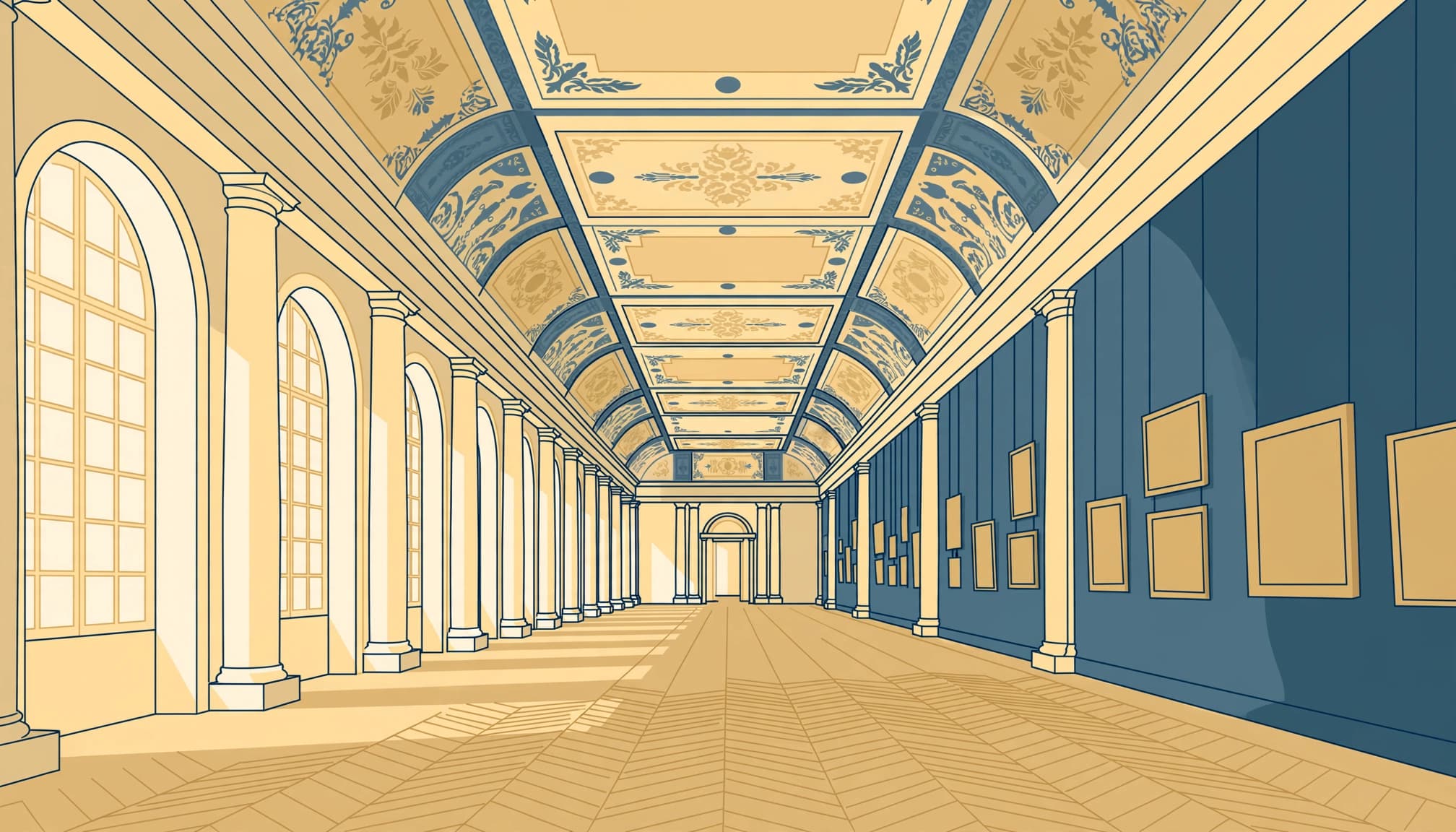
Look first at windows and illuminated display cases. These often determine how much contrast your camera must record.
Use highlight warnings or the histogram rather than judging brightness only from the rear screen. Reduce exposure if a painted ceiling or window surround loses texture. However, a tiny bare bulb doesn’t always need recoverable detail.
In a dark corridor, expose for the lit room beyond. Let the corridor remain subdued instead of forcing every surface toward the same brightness.
Let Side Light Describe the Room
Windows beside your viewpoint can reveal texture in stone and wood. Moving a few steps often changes the light more effectively than changing camera settings.
Meanwhile, evenly lit galleries suit symmetrical compositions and accurate records of paintings. Choose your subject accordingly.
In bunker museums or narrow passages, let existing fixtures explain the space. Pipes and curved concrete can carry the photograph without exaggerated darkness or an ominous edit.
Camera Settings for Museum Interior Photography
There isn’t one exposure that fits every gallery. Start with the shutter speed needed for sharpness, then choose an aperture that gives enough depth of field.
These settings provide practical handheld starting points.
| Subject | Aperture starting point | Shutter starting point |
|---|---|---|
| Static room with a wide lens | f/4 | 1/60 second |
| Gallery with walking visitors | f/2.8 to f/4 | 1/125 second or faster |
Use Auto ISO if available, then assess sharpness. If the required ISO exceeds what you find acceptable, choose a brighter composition rather than automatically slowing the shutter.
Match Shutter Speed to Movement
Canon’s handheld guideline starts around the reciprocal of effective focal length. Its example for a 50mm lens on a 1.6x crop camera is approximately 1/80 second.
That guideline is only a starting point. Longer lenses magnify shake, while moving visitors may need faster exposures regardless of stabilization.
For a static room, make several frames and inspect architectural edges at full magnification. Judge your own steadiness before trusting a slower shutter.
Choose Aperture for the Subject
A fast lens helps, but its widest aperture may leave nearby details soft. For a room with substantial depth, f/4 or f/5.6 can be more useful than f/1.8.
For a single sculpture, a wider aperture can isolate its shape against the gallery.
Manual exposure with Auto ISO lets you hold aperture and shutter speed constant between rooms. Aperture priority also works well when your camera offers a minimum shutter-speed setting.
Steady Your Camera or Phone Without a Tripod
Build Stability With Your Body
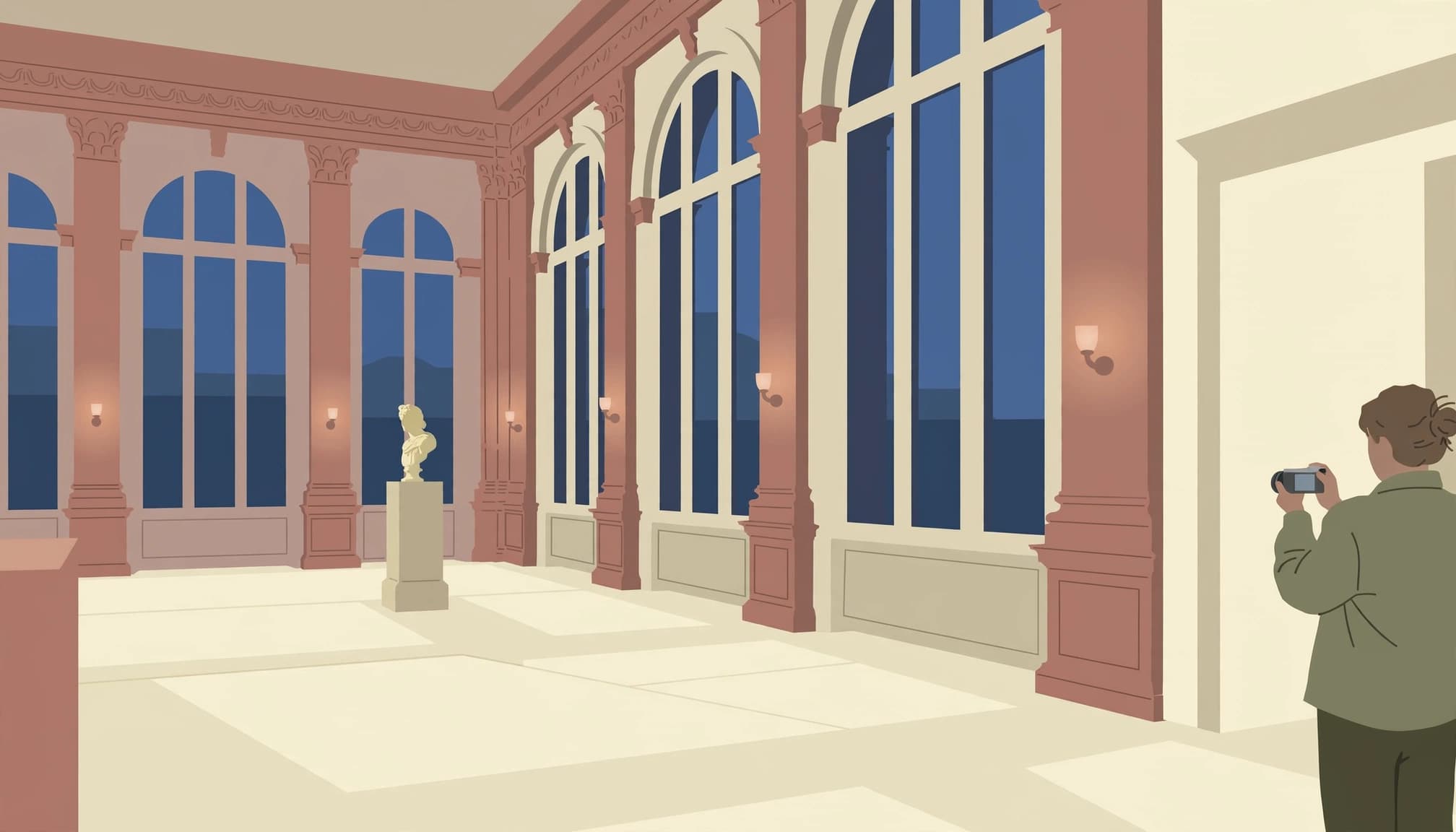
Stand comfortably with your elbows close to your ribs. Support the lens from below and press the shutter gently.
Keep stabilization active for handheld shooting when your equipment supports it. However, stabilization reduces camera shake; it doesn’t freeze a visitor walking across the room.
Only brace against an ordinary surface where contact is permitted. Historic paneling and display cases aren’t camera supports. If the room offers nowhere suitable, use your body and accept a higher ISO.
Lower the camera between attempts. Tired arms make slow exposures harder.
Use Phone Night Mode Selectively
Start with your phone’s main camera and avoid digital zoom. Clean the lens before entering, because fingerprints create haze around bright fixtures.
On supported iPhones, Night mode activates in low light and may take several seconds to finish. Hold still until capture ends.
Night mode suits static galleries better than busy rooms, where moving people may look smeared or ghosted. If visitors keep crossing your composition, shorten the capture time when possible or use the ordinary camera mode.
Tap the important subject to focus, then lower exposure if nearby highlights lose detail.
Compose Through Doorways, Not Across Traffic
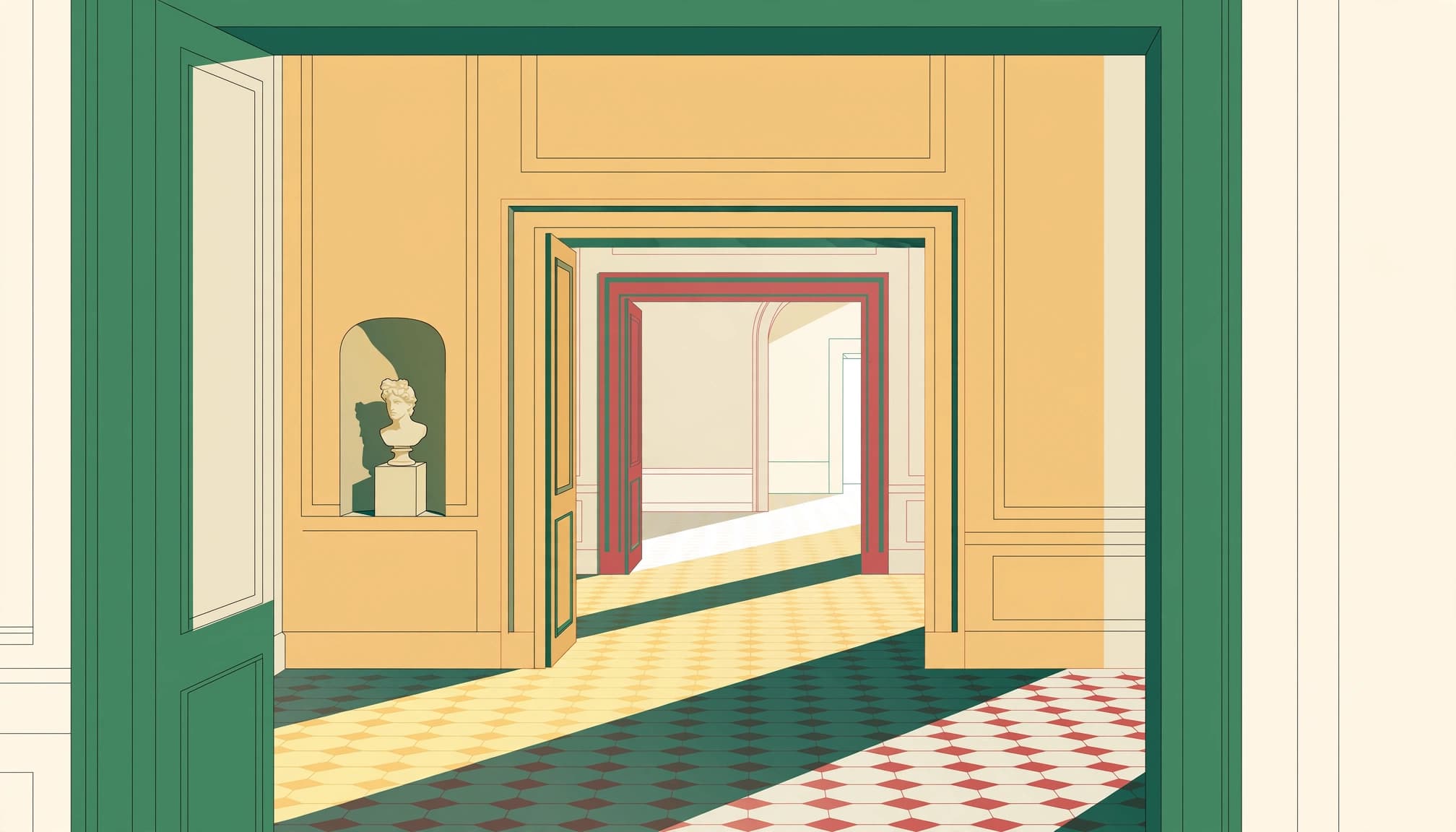
Doorways create depth without extra equipment. A frame within a frame. Place the darker opening around a brighter gallery, keeping enough of the surrounding wall to establish the transition.
If a doorway is busy, move to one side and frame the next room through its opening, so passing visitors stay near the edge rather than obscuring the architecture you came to photograph.
Keep the camera level when straight walls matter. Tilting upward makes vertical lines converge, so leave room for modest correction later. An ultra-wide lens can include more ceiling, but objects near its edges may stretch.
Wait for a pause. Then take the photograph and move aside.
A distant figure can explain scale without becoming the subject. Avoid directing strangers into theatrical poses. When the wide view stays crowded, photograph a smaller architectural detail instead of waiting indefinitely for an empty room.
Handle Glass Reflections and Mixed Colour
Change Your Position Before Adding Filters
Glass cases often reflect bright windows or your own clothing. Move slightly sideways and watch how the reflection shifts before taking another frame.
A darker viewpoint can help. So can keeping the camera reasonably square to the glass when photographing a flat object, although the best angle depends on where the unwanted reflection sits.
Never press the lens against a case. A polarizing filter can reduce some reflections, but it also reduces incoming light. In a dim room, that cost may outweigh the benefit.
Focus on an Edge, Then Balance Colour
If autofocus hunts, place a small focus point on a clear edge at the subject’s distance. Avoid letting the camera focus on reflections instead.
RAW files offer more flexibility for correcting mixed lighting. However, white balance can’t always neutralize cool window light and warm lamps simultaneously.
Set a believable overall balance, then use local adjustments for distracting casts. Keep some warmth where the room genuinely contains warm light. Turning every surface neutral can erase the interior’s character.
Edit Without Brightening Away the Atmosphere
Apply lens corrections before adjusting perspective. Then straighten verticals in small increments, watching for stretched corners or an unnaturally narrow room.
Lift shadows only enough to reveal useful texture. Deep recesses can stay dark, particularly when they help separate a bright doorway from its surroundings. If an important highlight is completely clipped, reducing its brightness won’t recreate the missing detail.
Use noise reduction gently, because strong settings can smooth carved stone into plastic-looking surfaces. Compare the result at full size, especially around fine decorative edges.
For bracketed photographs, moving visitors complicate blending. A well-timed single exposure often gives you a cleaner result than several frames with people in different positions. Keep that option when choosing images to edit.
Frequently Asked Questions
Is ISO 3200 Too High for Museum Photos?
ISO 3200 can be a sensible choice when it keeps your shutter speed fast enough. Results depend on your camera and how large you display the photograph.
Compare the sharpness first. A slightly noisy file usually offers more editing options than one blurred by camera movement.
Can I Use Silent Shutter Indoors?
Often, but electronic shutters can produce bands under some artificial lighting. Look for stripes across evenly lit walls or display backgrounds.
If banding appears, try the mechanical shutter where available. Also disable camera sounds on a phone, while recognizing that electronic capture and audible shutter sounds are separate settings.
Give the Last Frame a Few Seconds
Before leaving a gallery, take one final photograph without rushing the shutter. Wait until the doorway clears, then hold your position briefly after the exposure.
Magnify the result before moving on. Look for a clean, sharp edge along the carved border of a doorframe.
