
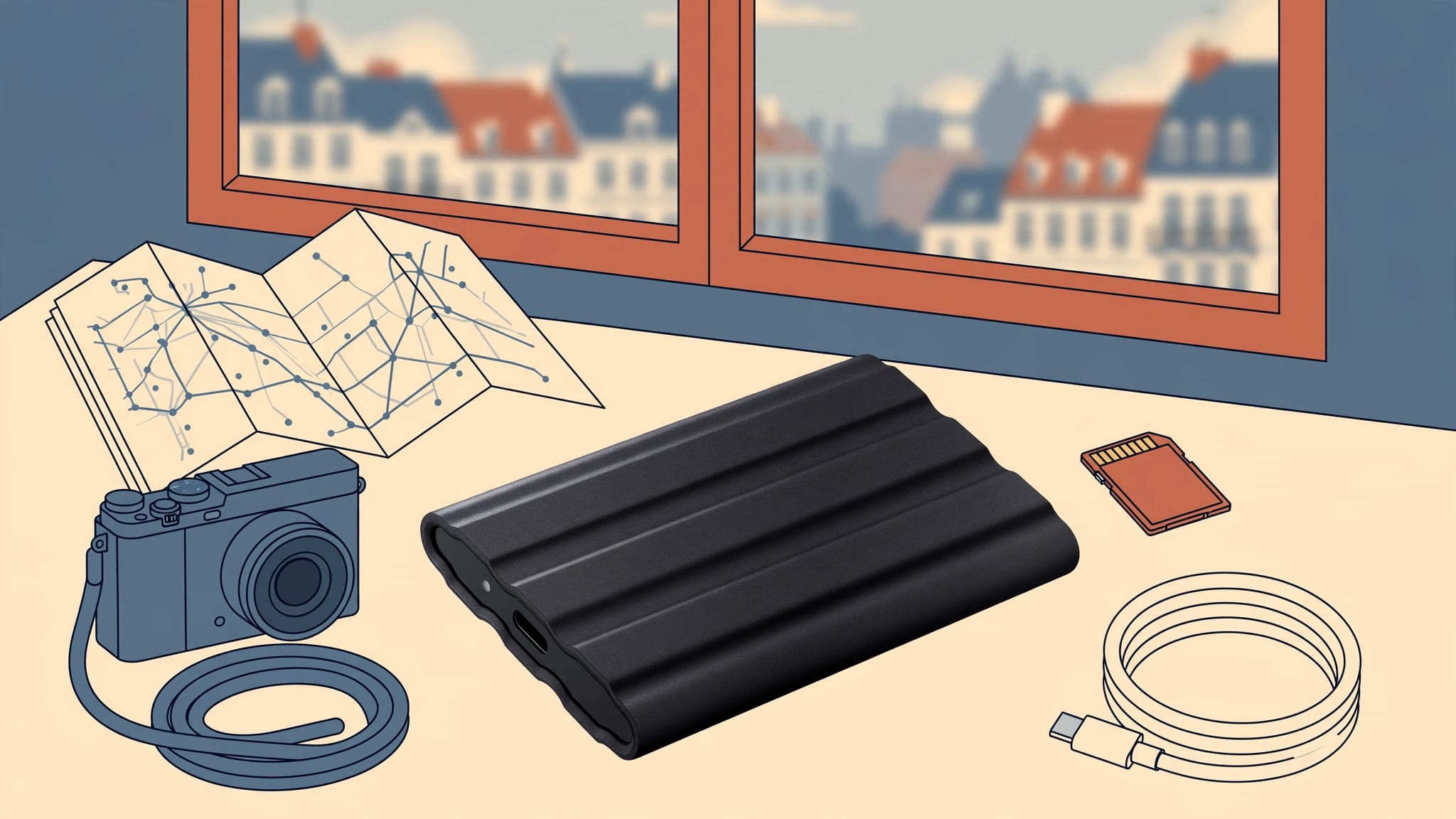
A full memory card feels reassuring until you realize it’s the only copy of yesterday’s photographs. For a multi-city trip, the best portable SSDs make backups easy enough to finish before an early train, even with a small hotel desk and unreliable Wi-Fi.
Reliability matters more than a headline speed. A compact drive, the right cable, and a repeatable copy-and-check routine will protect more photographs than a fast SSD that stays in your suitcase. Start by matching the drive to the computer you’ll actually carry.
Key Takeaways
- The Samsung T7 Shield is the strongest all-around pick for photographers who want a compact, weather-resistant drive.
- The Crucial X10 Pro and Samsung T9 offer higher advertised speeds, but their 20Gbps connection needs a compatible computer.
- For many stills-focused trips, 2TB offers a useful balance of space and cost. Video shooters should calculate their needs before buying.
- An SSD becomes a backup only after you’ve checked its files and kept another copy elsewhere.
Best portable SSDs for European travel photography
These three drives cover the clearest buying choices: a rugged everyday option and two faster models for compatible laptops.
| Drive | Published read speed | Connection | Best fit |
|---|---|---|---|
| Samsung T7 Shield | Up to 1,050 MB/s | USB 3.2 Gen 2, 10Gbps | Mixed weather and frequent travel |
| Crucial X10 Pro | Up to 2,100 MB/s | USB 3.2 Gen 2×2, 20Gbps | Large transfers on a compatible PC |
| Samsung T9 | Up to 2,000 MB/s | USB 3.2 Gen 2×2, 20Gbps | Photographers with a 20Gbps-capable setup |
Those figures are manufacturer maximums, not promises for every card reader or laptop. B&H’s side-by-side drive comparison makes the advertised speed gap clear; your computer determines how much of it you’ll see.
Samsung T7 Shield: the practical first choice
Samsung rates the T7 Shield IP65 for dust and water resistance and states drop protection up to 3 meters. Its rubberized exterior is helpful when you’re unpacking beside a wet coat or working on a cramped bedside table. Samsung sells 1TB, 2TB, and 4TB versions.
The drive measures about 88 by 59 by 13 mm and weighs roughly 98 g. Its 10Gbps connection also makes more sense than a pricier 20Gbps model for many MacBook users. Check the Samsung T7 Shield specifications against your laptop before ordering.
Crucial X10 Pro and Samsung T9: speed with a condition
The X10 Pro and T9 suit photographers who regularly move large video folders and have a USB 3.2 Gen 2×2 port. Crucial lists the X10 Pro at up to 2,100 MB/s read speed and rates it IP55. Samsung advertises up to 2,000 MB/s for the T9, but the T9 isn’t the same weather-focused choice as the T7 Shield.
If your laptop lacks a 20Gbps connection, don’t pay extra expecting twice the transfer speed. Compare the price and capacity instead.
Check USB compatibility before paying for speed
USB-C describes the plug’s shape. It doesn’t tell you the speed of the port behind it. Check your laptop’s exact model specifications, then check the cable you’ll pack.
A MacBook changes the calculation
Most Macs don’t support the USB 3.2 Gen 2×2 mode that gives the X10 Pro and T9 their advertised 20Gbps speeds. The drives can still connect, but a compatible USB link typically falls back to a slower mode.
That makes the T7 Shield a sensible MacBook purchase when capacity and ruggedness matter most. A Windows laptop with an explicitly listed 20Gbps Gen 2×2 port can make better use of the faster drives. Kingston’s explanation of USB 3.2 Gen 2×2 shows why the two-lane connection matters.
Your card reader can be the bottleneck
A fast SSD can’t copy photos faster than the source delivers them. An older SD card reader, a slow card, or a charging-only cable can make a new drive look disappointing. Test the whole chain at home with a real folder of RAW files.
Pack a short spare data cable that you’ve tested. If you use CFexpress and SD cards, check that your reader accepts both formats. No wall socket is needed to power these drives, but a laptop with little battery left can still interrupt a transfer.
Choose a drive that survives your itinerary
A weather rating helps when you’re moving between rainy streets and crowded platforms. It doesn’t make a drive waterproof, and it won’t protect files if the SSD disappears with your bag.
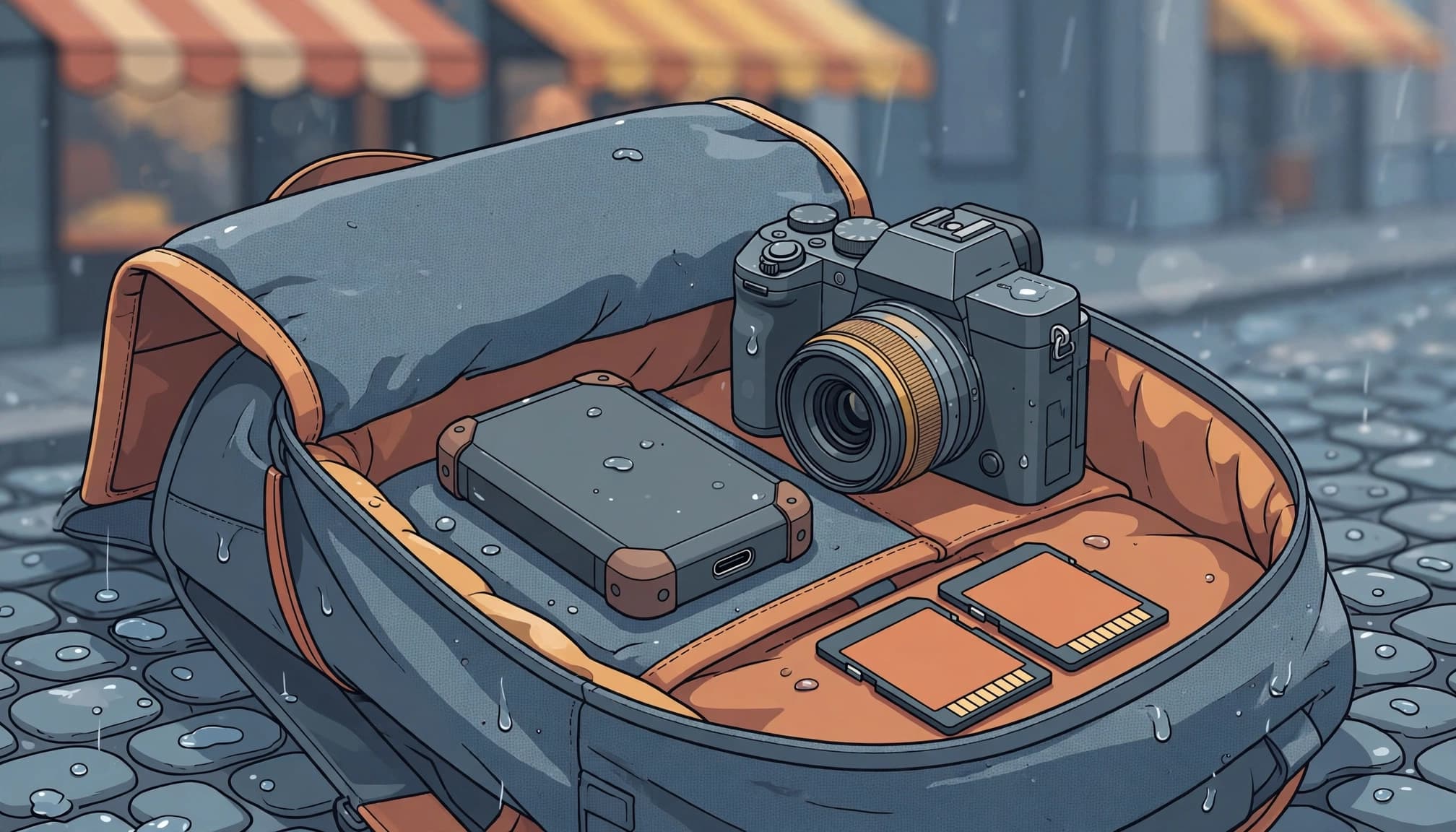
Weather protection isn’t permission to be careless
The T7 Shield’s IP65 rating gives it a stronger published dust and water-resistance claim than the X10 Pro’s IP55 rating. Both still need dry connectors before you plug them in. Keep the cable and port covered when the drive is packed.
A protective sleeve helps prevent scratches and keeps a loose cable from bending at the connector. More importantly, place the SSD somewhere you can reach it after a long shooting day. An awkward backup kit is easy to postpone.
Carry copies in separate places
Vienna-based photographer Thomas Berger recalls a Lisbon afternoon when a friend’s heavy full-frame kit slowed him on Alfama’s steps while Berger kept shooting with lighter gear. Storage has a similar test: you’ll use the drive that fits comfortably into your daily bag.
During travel, keep the SSD away from your laptop when practical. Put full memory cards in a protective case elsewhere. Physical separation matters most on a train day, when one lost bag could otherwise take every copy. Even on checkout morning.
How much SSD capacity should you bring?
Start with your own files rather than a generic estimate. Copy one typical day’s photos and video to a computer, check the folder size, and multiply it by the number of shooting days. Then leave room for unexpectedly busy days and files you’ll create while editing.
For a stills-heavy city trip, 2TB is often a comfortable starting point. A 1TB drive can work for a short trip if you’ve measured your output and won’t fill it. Frequent 4K video or large projects may justify 4TB, especially when hotel internet can’t take over as your overflow plan.
Remember that advertised capacity isn’t all available as usable storage after formatting. Also, avoid planning to fill a drive completely. If your estimate comes close to its limit, buy the next capacity or bring a second drive.
What should these drives cost in Europe?
SSD prices vary sharply by country, seller, color, and promotion. September 2026 European listings showed some Samsung T7 Shield 2TB offers around €188 to €203, while Crucial X10 Pro 2TB listings were roughly €347 to €374. Treat those as snapshots, not prices you can expect at every checkout.
The gap makes the buying decision clearer. If your computer can’t use Gen 2×2, spend the difference on more capacity or an independent second copy. If it can, calculate whether faster transfers will save meaningful time with the files you shoot. Crucial’s European portable SSD range is a useful place to check the current capacity options before comparing local retailers.
Buy from a seller with a clear return policy, and confirm the manufacturer’s warranty terms for your country. A bargain has little value if a faulty drive is difficult to exchange mid-trip.
A nightly backup routine that works in a guesthouse
The best drive choice still depends on what happens after you close the camera bag. Set up a simple folder pattern before departure, such as date followed by city, so files remain easy to find after several train changes.
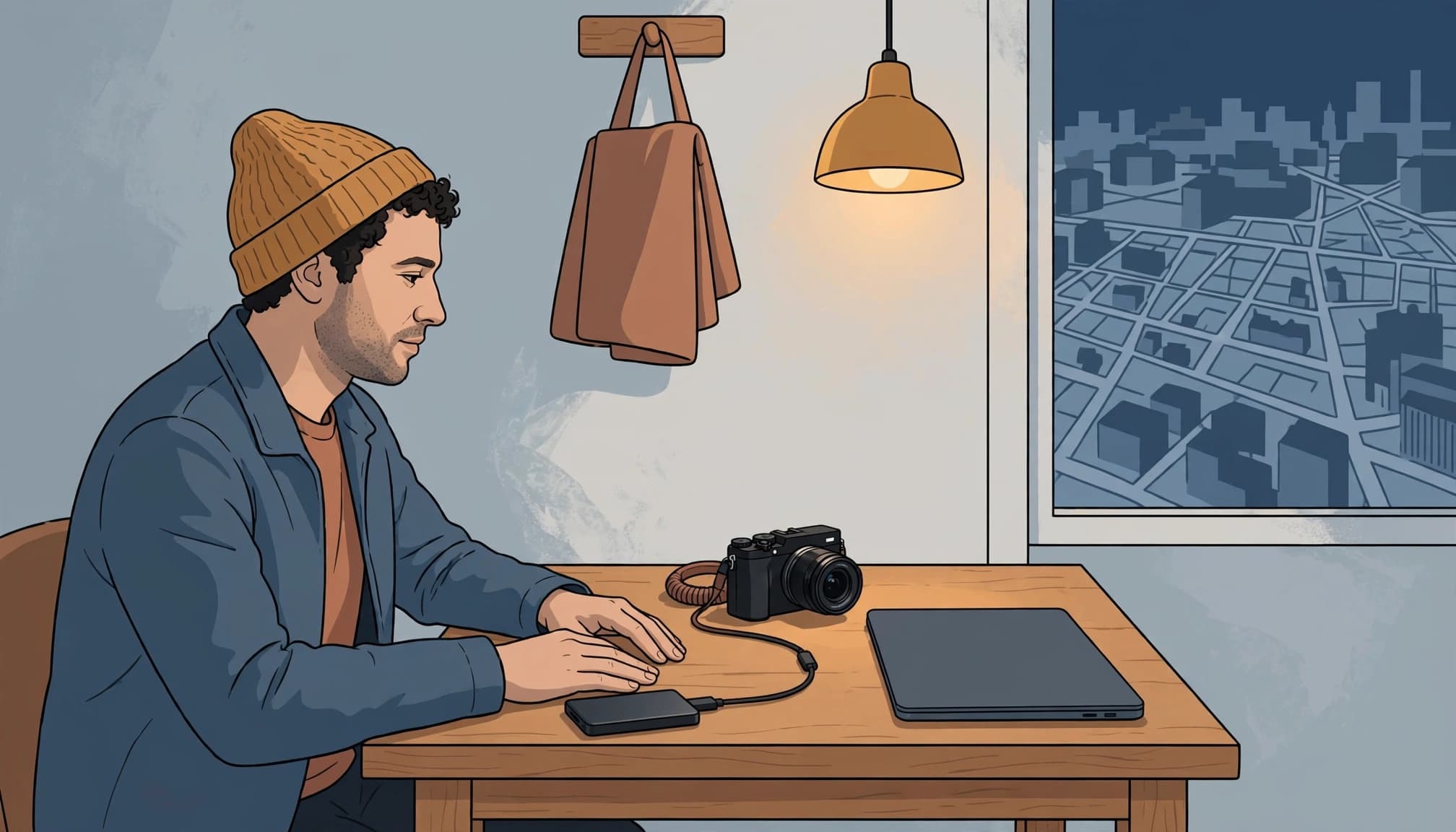
Copy first, then inspect the copy
Copy rather than move files from each card. Write a copy to the laptop and another to the SSD, using verification software if it’s part of your workflow. Then compare folder contents and open several full-resolution RAW files directly from the drive.
Keep the original cards unformatted while you can. A completed progress bar doesn’t prove that the right folder arrived or that your editing software can open its contents. Check the files before charging the camera for tomorrow.
A drive in the same bag as your only other copy protects against drive failure, but not against losing the bag.
Make an offsite copy when the connection allows
Cloud storage adds protection against theft or a lost bag, but hostel and hotel Wi-Fi can make a full RAW upload unrealistic. Prioritize photographs you can’t reshoot, then check that the service stores original files rather than previews.
Before departure, restore a small shoot folder from the SSD to a different location. Open the recovered images and confirm their metadata. This catches a confusing folder structure or faulty cable while you’re still at home, rather than after a train ride to the next city.
Protect the drive without slowing yourself down
If the photographs include client work or sensitive portraits, enable encryption before the trip and test that you can unlock the drive. Keep recovery details somewhere separate from the laptop. An encrypted drive is little help if you forget its password abroad.
Also consider where backups sit while you’re out shooting. Don’t leave the laptop and SSD together on a hotel desk all day. Carry one copy or secure it separately, and keep your cards in their case until you’ve verified the other copies. Small habits do more work than a complicated system you abandon by day three.
Frequently asked questions
Is the Samsung T7 Shield fast enough for RAW photos?
Yes, for most travel photography workflows. Its advertised transfer speeds are well above what many card-and-reader combinations can sustain. The T7 Shield’s weather resistance and broad 10Gbps compatibility are often more useful on the road than a higher benchmark number.
Should I buy one 4TB SSD or two 2TB SSDs?
Two drives give you the option of independent copies if your budget and packing space allow it. One 4TB drive gives you capacity, but it remains a single point of failure unless the files also live on cards, a laptop, or offsite. Keep duplicate drives apart during transit.
Can I back up a camera directly to an SSD?
Some cameras and mobile devices support direct external-drive workflows, but compatibility depends on the exact model, power requirements, and file-management features. Test yours with a full card before relying on it abroad. A laptop and card reader offer a more straightforward way to inspect files after copying.
The drive you’ll trust after the last shoot
That full memory card from the opening isn’t safe because you’ve bought an SSD. It’s safer when you can open its copied files, keep another copy elsewhere, and repeat the process tomorrow.
For most photographers moving between European cities, the T7 Shield is the straightforward choice. Buy a faster X10 Pro or T9 when your computer can use its 20Gbps connection. Before the next checkout, open one RAW file from the SSD and put the card case in a different bag.
