
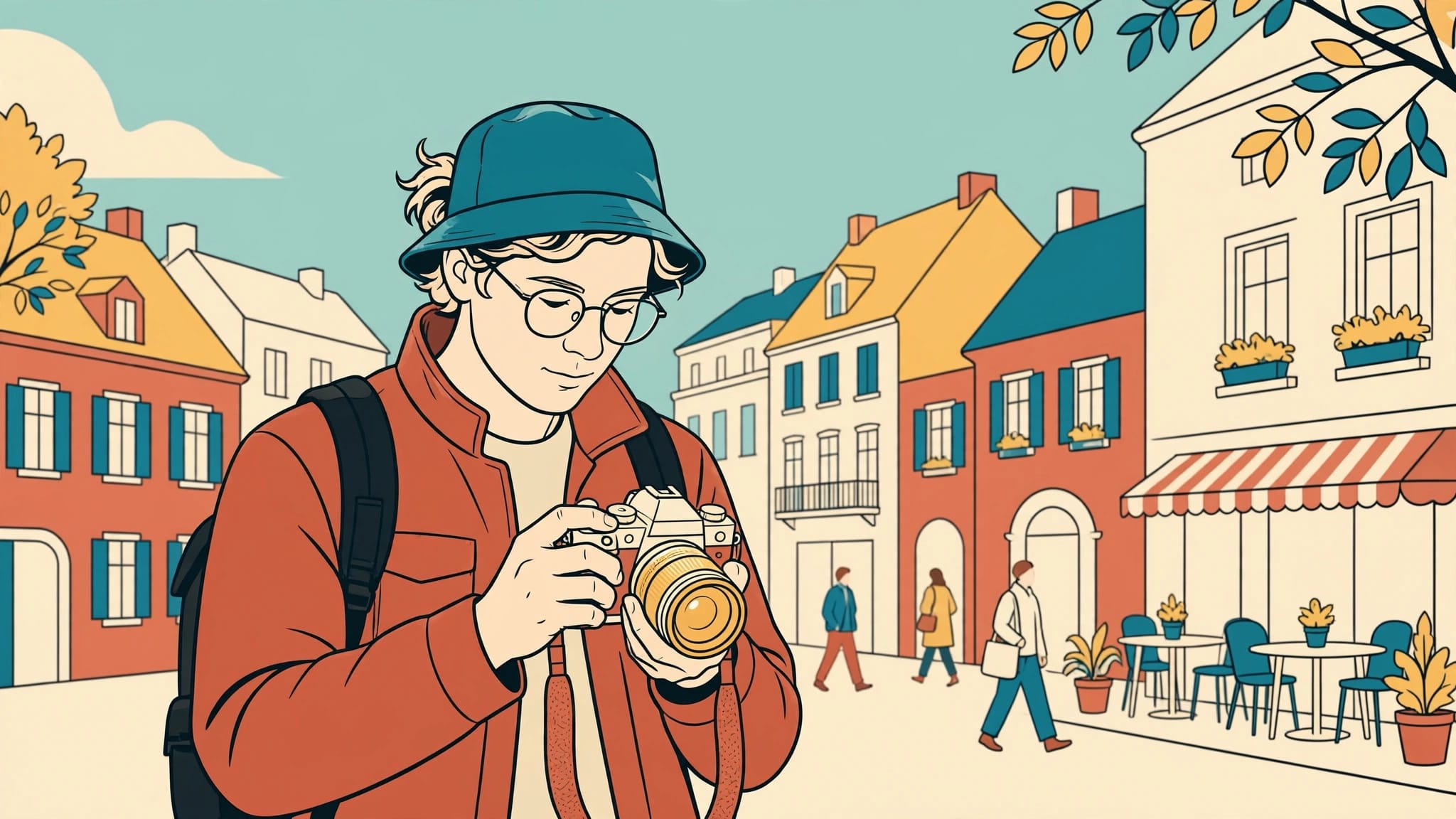
Using aperture priority for travel photography gives you control over depth of field while the camera adjusts shutter speed. Pair it with Auto ISO and a sensible minimum shutter speed to reduce accidental blur.
However, automatic exposure still needs direction when people move or bright buildings dominate the frame. A few dependable settings let you respond without rebuilding your exposure at every corner. Start by understanding which decisions remain yours.
What Aperture Priority Controls
Select A on many cameras or Av on Canon models. You choose the aperture, expressed as an f-number, while the camera selects a shutter speed based on its meter.

You decide how much appears sharp
A lower f-number, such as f/2.8, means a wider opening. It admits more light and generally produces shallower depth of field. A higher number, such as f/8, generally brings more of the scene into acceptable focus.
However, aperture isn’t the only influence. Your distance from the subject also matters, as does focal length. Getting closer usually makes background separation stronger.
Nikon’s guide to exposure basics explains how aperture interacts with the other exposure settings.
The camera handles changing brightness
Walk beneath an arcade and the camera usually lengthens the exposure. Step into sunlight and it shortens it. With Auto ISO enabled, sensitivity can also change according to your camera’s settings.
That convenience has limits. A correctly exposed photograph can still contain blurred pedestrians because the selected shutter speed was too slow. Aperture priority responds to brightness; it doesn’t understand how you want movement to look.
Build a Reliable Travel Setup
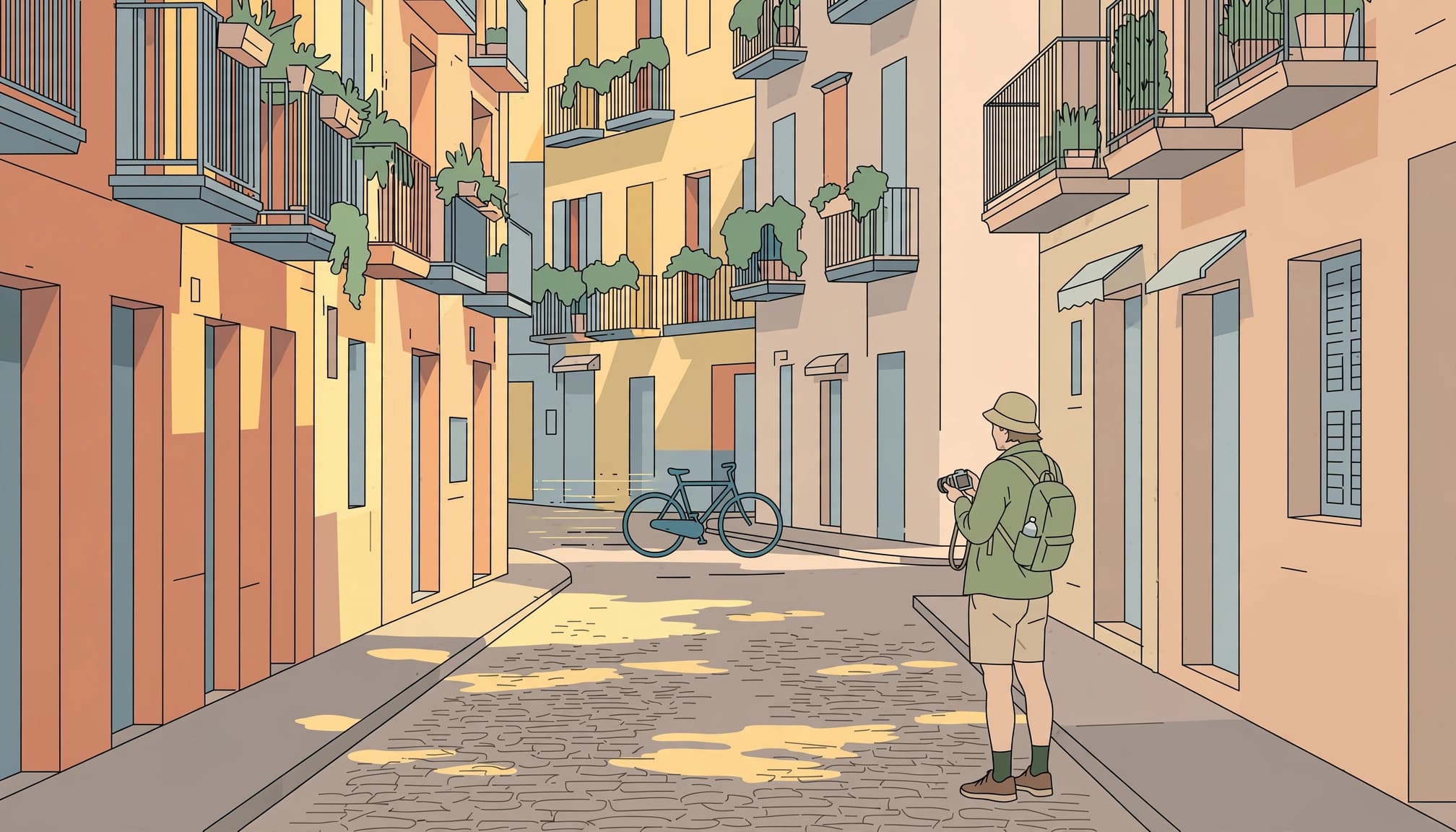
Give Auto ISO a useful shutter threshold
For general handheld scenes with a normal or wide-angle lens, begin around f/5.6 or f/8. Enable Auto ISO, then choose a minimum shutter speed if your camera offers that control.
Try 1/125 second for mostly static scenes. Use 1/250 second when walking people matter, or 1/500 second when you want a stronger margin against subject movement.
If your camera reaches the Auto ISO ceiling in a dark street, it may allow shutter speed to fall below your chosen minimum, so treat that setting as a preference rather than an unconditional guarantee.
Nikon’s Auto ISO explanation describes how automation responds as light changes. An ISO ceiling of 6400 is a reasonable starting point to test, although acceptable noise depends on your camera and intended output.
Keep focus and controls familiar
Use single-point autofocus or a small flexible area for static subjects. For moving people, continuous autofocus with subject tracking can help, provided you understand where the camera is focusing.
Keep back-button focus if you already use it. Don’t introduce it the night before departure.
If available, save separate custom modes for daylight and low light. Then test them outside before packing: move between sun and shade, and photograph someone walking across your view. Keep your shutter speed visible.
Choose an Aperture for the Scene
Your aperture should follow what needs to appear sharp. These are starting points, not promises that every lens and distance will produce the same result.
| Travel subject | Starting aperture | Main consideration |
|---|---|---|
| Portrait with background separation | f/2.8 to f/4 | Focus accurately on the nearer eye |
| Food or a small detail | f/4 to f/5.6 | Keep enough of the subject sharp |
| Street scene with people | f/5.6 to f/8 | Preserve a suitable shutter speed |
| Architecture or distant landscape | f/8 | Place focus deliberately |
| Close foreground with a distant view | f/8 to f/11 | Inspect foreground sharpness |
Start at f/8. Then change it for a visible reason.
People and close details
A face against distant rooftops. Here, f/2.8 can separate your subject without removing every clue about the location.
For more separation, increase the distance between your subject and the background. Adobe’s shallow depth-of-field guide explains this relationship.
For food, however, the widest aperture may leave most of the plate soft. Stop down slightly when the whole dish matters, particularly at close focusing distances.
Buildings and broader views
For architecture, f/8 often balances useful depth of field with good lens performance. Try f/11 when a nearby foreground needs more definition.
Avoid choosing f/16 automatically. Diffraction becomes more visible at smaller openings, although the point where it matters varies with equipment and output size.
Also, stopping down can’t repair misplaced focus. Magnify an important edge after your first photograph.
Keep Moving Subjects Sharp
Aperture priority works well while walking, but movement should determine your shutter-speed threshold.
For pedestrians crossing the frame, 1/250 second is a practical starting point. Try 1/500 second for brisk walking or animated gestures. Cyclists may need 1/1000 second or faster, depending on their speed and distance.
These aren’t guarantees. A person moving toward you behaves differently from someone crossing close to the lens.
Outside a Chicago diner, a photographer waited at roughly 50mm until a man in a navy coat paused beneath neon. His reflection aligned with a passing bus, creating a brief composition that depended on timing.
Preparing exposure beforehand leaves more attention for those alignments. If shutter speed drops too far, open the aperture or let ISO rise. When both depth of field and motion rendering must remain fixed, switch to manual exposure with Auto ISO.
Image stabilization reduces camera shake, but it can’t stop a walking person’s movement.
Through a moving train window, judge shutter speed by the nearest important subject. Nearby trees streak much faster across the frame than distant mountains.
Use Exposure Compensation for Difficult Light
The meter doesn’t know whether a pale wall should look pale or a dark doorway should remain dark. Use exposure compensation in aperture priority when its chosen brightness doesn’t match the photograph you want.
If snow occupies most of the frame and appears gray, try +2/3 stop. If textured white stone loses detail, try -1/3 or -2/3 stop.
Those adjustments point in opposite directions because the problem depends on what the meter sees and which tones you need to preserve, rather than a universal rule that every bright subject needs the same correction.
Review the histogram and highlight warnings after changing exposure. Compare flashing areas with the actual subject: a tiny lamp reflection matters less than an entire sunlit facade.
RAW files offer more editing flexibility than JPEGs, but they can’t restore detail that wasn’t recorded.
For a static building with bright windows and dark interior stone, bracket exposures if one frame can’t hold the detail you need. Keep aperture and ISO fixed while shutter speed changes.
Finally, reset compensation after the difficult scene. A correction for pale snow can become an unwanted bright exposure inside the next station.
Handle Low Light Without Accidental Blur

Inside a restaurant, begin around f/2.8 to f/4 if your lens allows it. Then watch the shutter speed rather than assuming Auto ISO will protect every frame.
A static bowl can tolerate a slower exposure than someone lifting a spoon. If the person matters, keep your movement threshold high enough and accept higher ISO.
For handheld architecture at blue hour, a stabilized camera may allow slower exposures. However, your technique and focal length affect the result. Make several frames and inspect important edges at full magnification.
For a tripod-supported skyline, use base ISO and begin around f/8. Let shutter speed lengthen as needed, provided moving elements can blur.
Switch modes when the exposure duration becomes your main creative decision. Manual exposure makes repeatable light trails easier; shutter priority gives direct control over motion while the camera adjusts aperture.
Also, watch for the opposite limit in bright sun. At a wide aperture, an overexposure warning can mean the camera has reached its fastest shutter speed. Stop down or use a neutral-density filter.
Key Takeaways
- Choose aperture according to the depth you need, then watch the resulting shutter speed.
- Set Auto ISO guardrails, but notice when the camera reaches them.
- Use exposure compensation for the tones that matter, rather than applying a permanent correction.
- Switch modes when precise motion control matters more than quick aperture changes.
Aperture Priority Travel Photography FAQ
Should I use aperture priority all day?
It’s a useful default for changing travel light, especially when depth of field guides your choices. You can photograph a landscape at f/8, then open to f/2.8 for a portrait without managing every exposure adjustment yourself.
However, change modes when the subject demands it. Sports may need a tightly controlled shutter speed. A fixed nighttime composition may benefit from manual exposure, particularly when you want consistent brightness across several frames.
Does aperture priority work with a kit lens?
Yes. An 18-55mm kit zoom or a 24-105mm travel zoom can work well in aperture priority.
With a variable-aperture zoom, the widest available opening changes as you zoom toward the longer end. A lens that opens to f/3.5 at its wide end might only offer f/5.6 at its longest setting.
As a result, zooming can reduce available light. Watch whether shutter speed falls or Auto ISO rises, especially indoors.
Leave With One Tested Default
Before your next walk, save a daylight setup you can operate without searching through menus. Test it in shade while someone crosses your frame.
Make the shutter-speed display part of your routine before pressing the button. For a walking pedestrian, begin at 1/250 second.
