
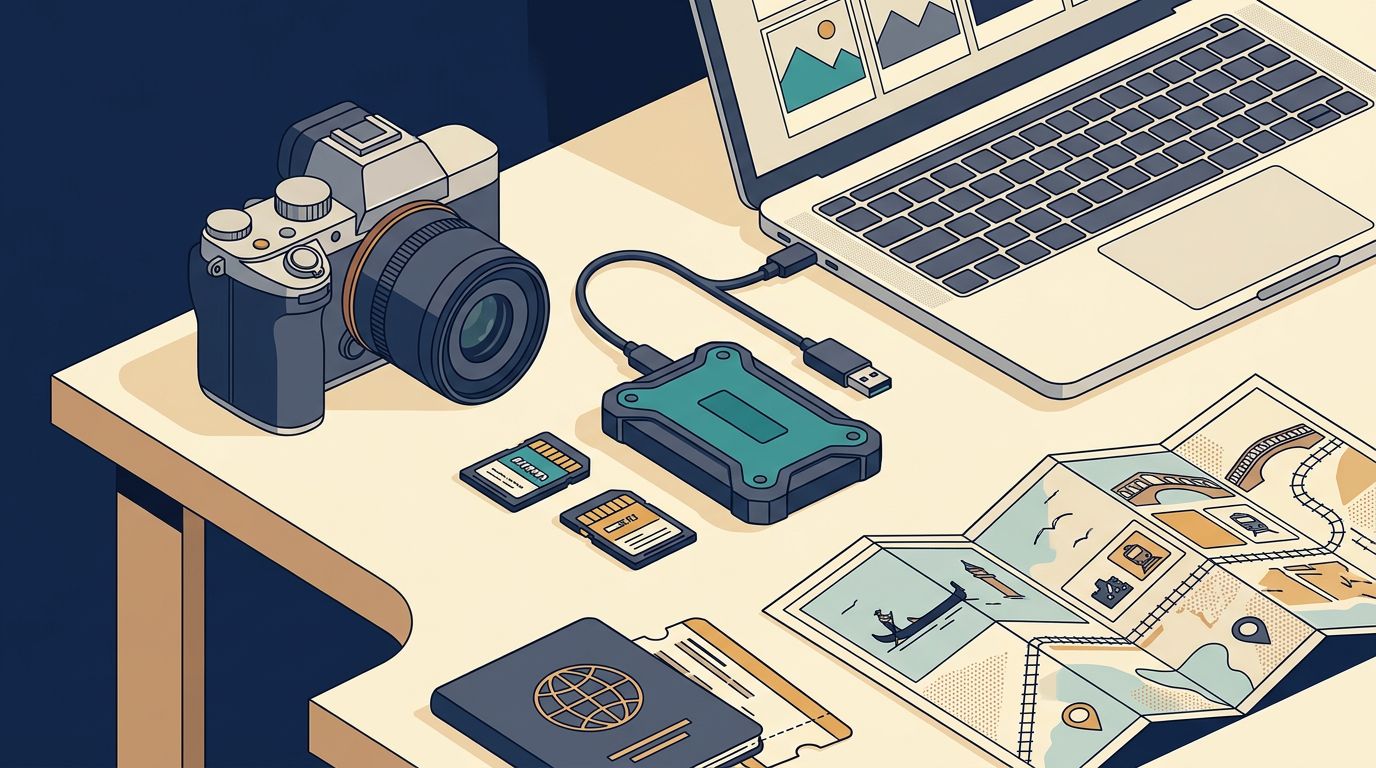
One corrupted card can erase a day that began before sunrise in Venice and ended after blue hour in Burano. A reliable travel photography backup routine protects your work before a train, a wet sidewalk, or an unreliable hostel network gets a vote.
Because a multi-city itinerary combines overnight trains, apartment checkouts, crowded platforms, and unpredictable Wi-Fi, your process must work in ten focused minutes on a small desk rather than depend on a long, calm editing session. Start before your first train.
Before the first train
Your storage plan should start with the files your own camera creates, not a marketing capacity figure. Photograph a normal hour at home, add the folder size, then divide by image count to find your average RAW size.
Multiply that figure by realistic daily volume and every travel day. Leave room for brackets, panoramas, video clips, and the days when a city gives you far more than expected.
Measure a real shooting day
That calculation tells you whether a 1 TB drive covers the trip or only its first half. It also stops an expensive problem, formatting a card in Madrid because a rushed estimate proved wrong.
Buy enough cards that no full card needs reuse before it has two confirmed copies. If your camera records to two slots, duplicate capture is a useful first layer, but a stolen camera bag can still carry both cards away together.
Give every city a stable folder name
Use a trip root such as 2026_Europe_Photos, then create dated city folders such as 2026-09-14_Paris. Keep original captures, select exports, and catalog files in predictable places.
A clear folder name beats a heroic memory after several train changes. Build the structure around the 3-2-1 backup rule: three file copies, two storage types, and one offsite copy. That framework has room for a camera card, portable SSD, laptop, and cloud account.
Build a travel photography backup kit that fits your bag
Your kit should be light enough to use every night. A drive left at the bottom of a packed suitcase isn’t backup equipment, it is dead weight.
Choose endurance over benchmark speed
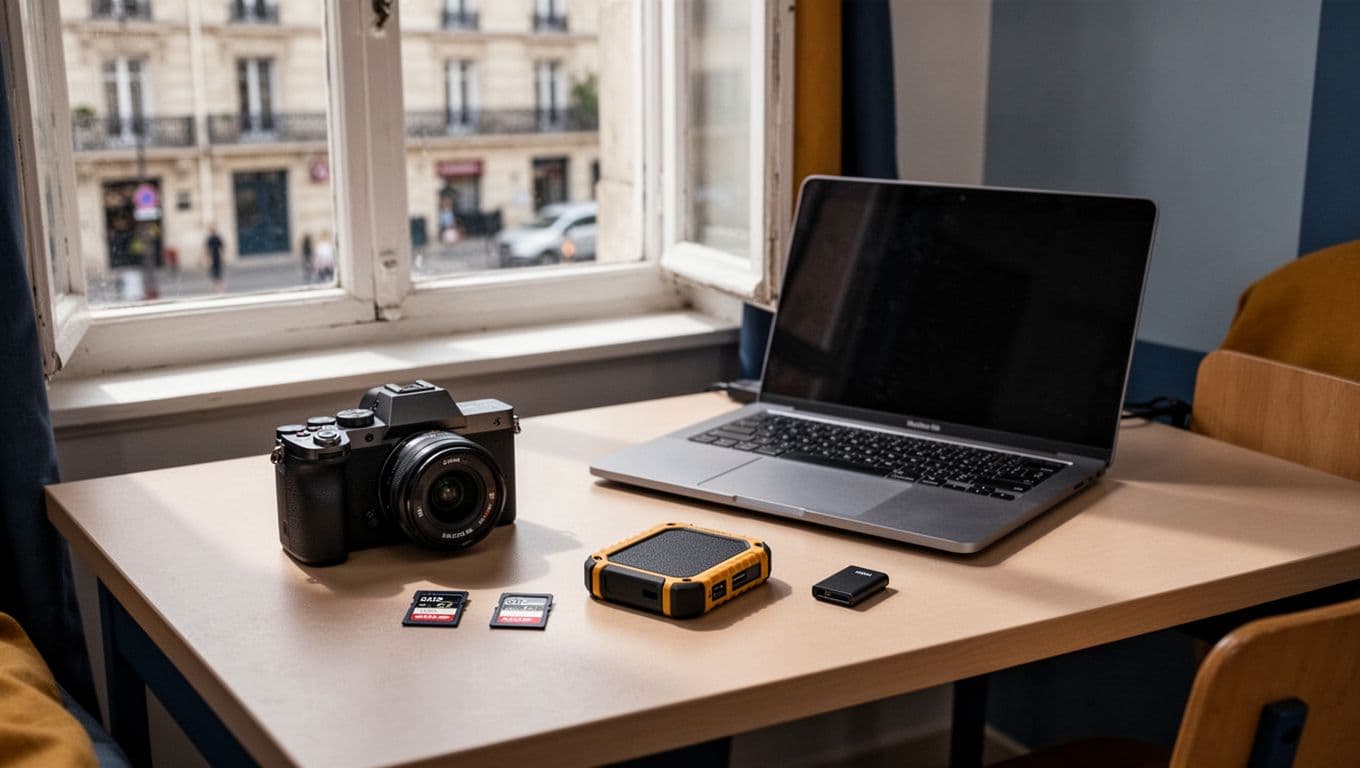
A rugged portable SSD is the center of the physical setup. Samsung lists its 1 TB T7 Shield at up to 1,050 MB/s read speed and 1,000 MB/s write speed, with IP65 resistance and stated drop protection up to 9.8 feet.
That combination suits rainy walks and cramped luggage better than a fragile desktop drive. The SanDisk Extreme PRO can reach much higher speeds on a compatible USB 3.2 Gen 2×2 laptop, but those numbers don’t help when your computer lacks that connection.
Pack the unglamorous parts
A good reader matters as much as the drive. Bring a compact reader that matches every card format you use, plus a short spare cable that supports data transfer rather than charging alone.
Keep the SSD cable with the drive, not in a different pouch. A small protective card case also keeps full cards out of trouser pockets, where a loose card can bend or disappear.
Make the nightly travel photography backup routine automatic
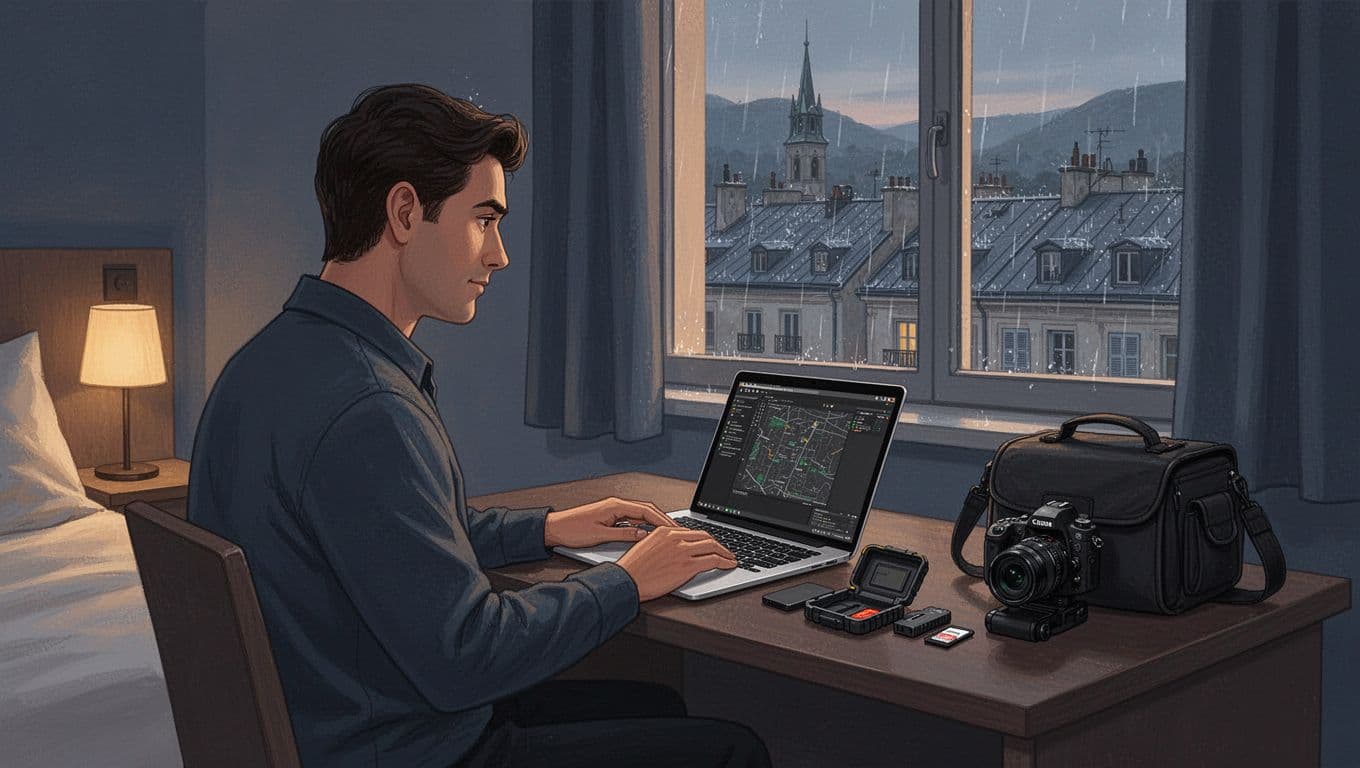
Treat every evening after the last shoot as a small appointment. It may happen on a hotel bed, a kitchen table, or a sleeper-train lounge, but the sequence shouldn’t change.
Copy first, then verify
Never use “move” when you ingest from a card. Copy the files, leave the originals untouched, and create a second local copy before you begin editing.
Use the same order every time:
- Import the card into that day’s city folder with a transfer method that verifies copies.
- Write the same folder to the portable SSD during import or immediately afterward.
- Open several full-resolution RAW files from the SSD and compare its file count with the card.
- Queue the cloud upload when power and connection are stable.
Never format a card because an import dialog says it finished. Open real files from the SSD, then confirm the offsite copy contains the originals you expect.
Keep the original card longer
Keep cards until you get home, or at least until you have verified the SSD and offsite copies. This protects you against an unnoticed transfer error, a damaged drive, or a folder placed in the wrong location.
Veeam’s explanation of the 3-2-1 model makes the point plainly: copies only help when they are independent. Your card is still an important original while the trip is in motion.
Use cloud backup without surrendering your evening
Cloud storage is the offsite copy in a travel photography backup plan, but it shouldn’t dictate every evening. Hotel Wi-Fi may require a browser sign-in, throttle uploads, or drop when other guests return for the night.
Check what the service is actually storing
Cloud platforms treat originals, previews, edits, and deletions differently. Read the upload settings closely, especially if you shoot RAW, because a visible preview doesn’t always prove the original capture is stored offsite.
A Google account’s 15 GB allocation is shared across Photos, Drive, and Gmail. It vanishes quickly with a busy RAW workflow. Paid storage or a selective upload plan is more realistic for a long trip.
Treat upload time as travel logistics
Use a trusted connection during slower afternoon hours or while you have a long dinner. Set the laptop to stay awake and connected to power, then upload the highest-value folders first if bandwidth is limited.
Start with work you can’t repeat, such as a dawn shoot, a festival, or portraits made with permission. Acronis’s backup strategy overview is a useful reminder that an offsite copy protects you when a room, bag, or drive goes missing.
Keep copies apart on travel days
Transit is when otherwise careful photographers put every copy in one backpack. That bag can be delayed, stolen, or left on an airport security tray.
Separate the camera, SSD, and laptop
Carry the laptop in your main day bag and place the SSD in a different secure pocket or small personal item. Keep full cards in their case, away from both when practical.
Physical separation matters most. In 1937, a fire at the Yosemite Park Company studios destroyed thousands of Ansel Adams’s negatives. The medium has changed, but one location can still take every copy at once.
Protect files from curious hands
Turn on device encryption before departure and store recovery details somewhere separate from the laptop. Avoid obvious labels that advertise a drive full of photos.
At a hotel, don’t leave the SSD beside the laptop while you go downstairs for breakfast. Put one item in a locked bag or carry it with you, especially on checkout morning.
Test a restore before departure
A backup is only proven when you can restore files from it. Start with a real test at home, using a folder from a recent shoot rather than an empty practice folder.
Rehearse a small recovery
Copy a day folder from the SSD to a different location on your laptop. Open ten RAW files, inspect metadata, and confirm your editing application can find the images.
Then recover a small cloud folder onto another device or a fresh location. If filenames change, files arrive as previews, or the download process feels unclear, fix it before crossing a border.
Write one emergency rule
When a card, drive, or laptop acts strange, stop deleting files. Make a fresh copy of anything readable and avoid formatting the card until you are home or have professional recovery help.
Small routines beat heroic recoveries.
Before the next checkout
The habit matters more than any single drive or subscription. Ten deliberate minutes after shooting can protect weeks of images across Paris, Prague, Florence, and every station between them.
Before leaving the apartment, slip the SSD into your jacket pocket and place the camera cards in a different bag.
