

Exposure compensation lets you brighten or darken your camera’s automatic exposure without abandoning a useful shooting mode. Turn it toward plus when the photograph looks too dark, or toward minus when important highlights lose detail.
The challenge is deciding which tones deserve protection, because a white street and a dark doorway can pull the meter in opposite directions. Your subject’s detail matters more than a centered exposure scale.
Start by understanding what the control changes.
What Exposure Compensation Changes
Adjust the meter’s recommendation
Your camera measures reflected light, but it doesn’t always know how bright the subject should look. A frame filled with snow may look dull, while a predominantly dark scene may appear unnaturally bright.
Exposure compensation shifts that automatic recommendation. Positive compensation requests a brighter result; negative compensation requests a darker one. The scale usually uses stops, with fractional increments for smaller adjustments.
Start with the subject. Decide whether its important tones look right before reaching for the dial. A dark alley can stay dark if that suits the photograph.
Know which setting will move
In aperture priority with fixed ISO, compensation changes shutter speed while your chosen aperture stays put. Brightening the picture therefore means a longer exposure, which can introduce blur.
With Auto ISO enabled, the camera may change sensitivity as well, depending on its settings. In Manual mode with Auto ISO, supported cameras adjust ISO while retaining your selected aperture and shutter speed.
However, in Manual mode with fixed ISO, compensation generally doesn’t alter captured brightness. You need to change the exposure settings directly. Fully automatic modes may offer limited access to compensation.
Snow and Pale Buildings Need Different Judgments
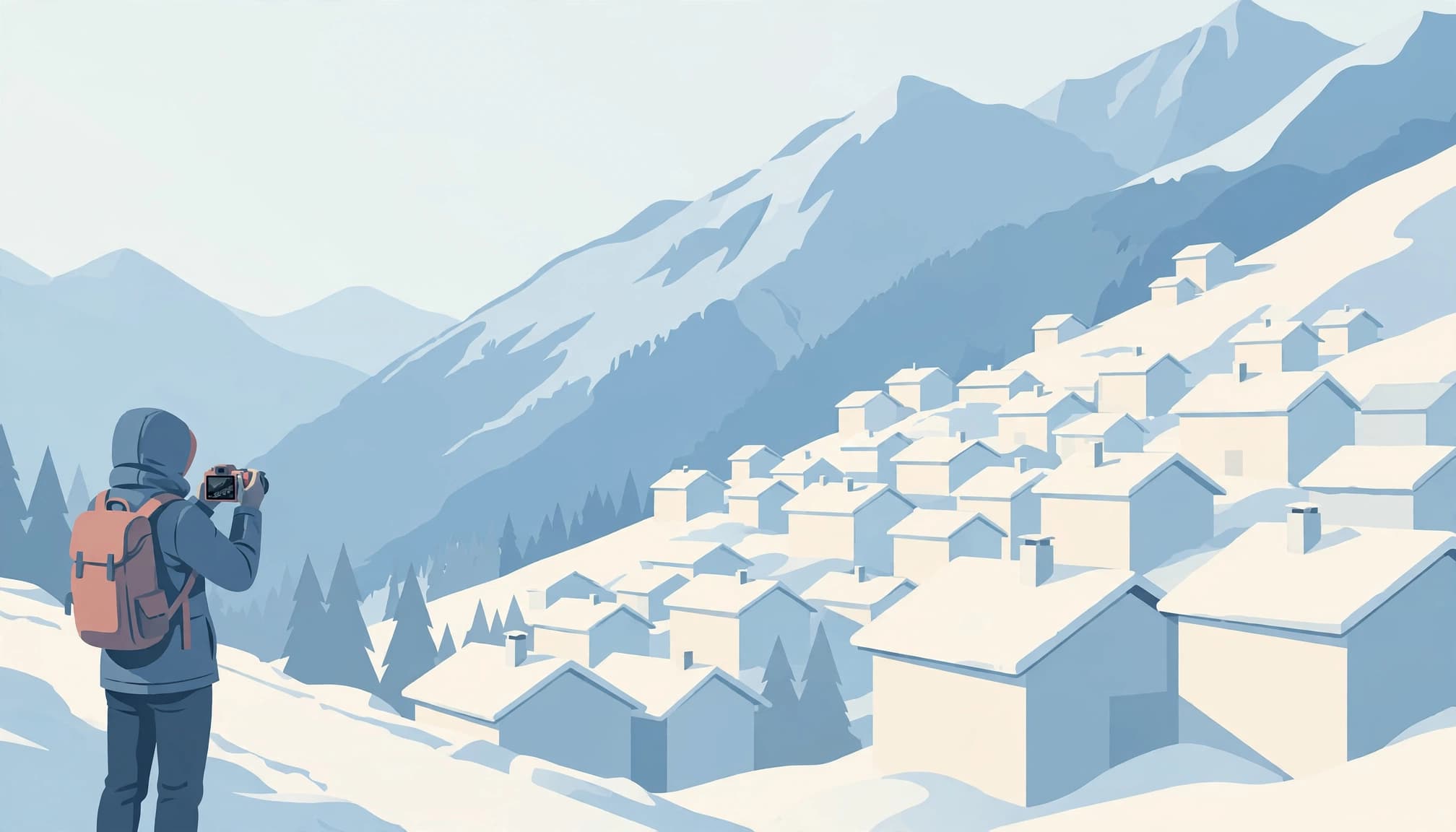
When white snow looks gray
If snow occupies most of the frame, the meter may recommend too little exposure. Add positive compensation until the snow looks appropriately bright, while watching for lost surface detail.
Bright, but still textured. Look for footprints or the shallow shadows along wind-shaped ridges. Those features help distinguish a luminous snowbank from an empty white patch.
Use small adjustments rather than treating one correction as a permanent winter setting. These snow photography exposure tips explain how to preserve texture when bright pavement shares the frame with buildings.
When dark buildings reverse the problem
When a dark brick building fills most of the frame above a narrow strip of snowy pavement, the meter can brighten the whole scene enough to erase the footprints that made the foreground interesting.
Here, negative compensation may be necessary, even though you’re photographing snow. The same applies when sunlit pale stone sits against a mostly shaded street.
Subject color alone doesn’t determine the correction. Framing and illumination matter too. After zooming or turning a corner, take another reading instead of carrying the previous adjustment into a different composition.
Backlit People and Bright Skies
A person standing against a bright sky often appears darker than intended. Positive compensation can reveal the face, but it also brightens the background.

Choose what carries the photograph. For a travel portrait, facial detail may deserve priority over a small patch of sky. For a sunset silhouette, retain the dark figure and expose for the surrounding color.
Compensation can’t reduce the brightness difference between the person and the sky. If both need detail, change your position or use fill light when practical.
For static architecture, exposure bracketing for buildings provides another option when one exposure can’t retain important bright and dark areas. Moving people complicate blending because their positions change between frames.
A darker exposure protects highlights only by making everything darker. It doesn’t expand the camera’s dynamic range.
Before darkening further, consider tightening the composition. Removing an irrelevant bright corner may let you expose the actual subject more generously without sacrificing anything the picture needs.
Read the Histogram Where Detail Matters
Locate the warning in the photograph
The histogram places dark tones on the left and bright tones on the right. A pileup against the right edge can indicate clipped highlights, but it doesn’t tell you which object is affected.
Enable playback highlight warnings, often called blinkies. Then locate the flashing areas. A tiny reflection on glass may be acceptable, while a blank patch across a carved facade can remove the photograph’s main detail.
For practical interpretation, reading a photography histogram means connecting the graph to the actual surface you’re trying to preserve.
Allow for the preview’s limits
The screen can mislead. Bright sunshine makes a rear display hard to judge, while viewing it in darkness can make a night photograph appear brighter than it is.
Because the histogram usually describes the camera’s processed preview rather than untouched RAW data, picture style and white balance can influence its appearance, so treat the display as useful guidance rather than an exact RAW clipping measurement.
An RGB histogram can reveal clipping in an individual color channel. This matters with saturated sunset colors or strongly colored lighting.
After protecting highlights, inspect an important shadow too. An exposure that saves the wall but hides your subject may be the wrong compromise.
Keep Moving Subjects Sharp With Auto ISO
Protect shutter speed first
A brighter image isn’t useful if the subject blurs unintentionally. For walking people, around 1/250 second is a practical starting point. Cyclists may require 1/500 second or faster, depending on their speed and direction.
In aperture priority, positive compensation can lengthen shutter speed, particularly with fixed ISO. Watch the displayed setting as you adjust brightness.
Alternatively, Manual mode with Auto ISO lets you hold the shutter speed and aperture you need. On supported cameras, compensation then changes ISO. This guide to Auto ISO for travel photography explains how those controls interact.
Stabilization reduces camera shake. It doesn’t freeze a moving pedestrian.
Recognize when the camera reaches a limit
Auto ISO has boundaries. At its maximum, the camera may be unable to deliver the requested brightness. Opening the aperture can help when you can’t afford a slower shutter.
At minimum ISO, a bright square may still be overexposed with your selected settings. In Manual mode, use a faster shutter speed or a smaller aperture.
Also, raising ISO doesn’t send more light through the lens. It changes how the camera records the available signal. Compensation remains subject to the same physical limits as any other exposure adjustment.
A Field Routine Before the Moment Arrives
In 1893, Alfred Stieglitz waited three hours in a New York snowstorm before making Winter, Fifth Avenue, with its horse-drawn carriage. The practical lesson is preparation: settle the background exposure before the action reaches it.
Use this routine when you find a promising street scene:
- Compose the photograph and identify the brightest surface that needs texture.
- Make a test frame, then inspect that surface using playback warnings.
- Adjust compensation in small increments until the important tones look right.
- Watch shutter speed before waiting for the person or vehicle to enter.
If the light stays steady but passing dark coats keep changing the meter reading, hold the exposure for the sequence. Fixed manual settings work well, or Auto Exposure Lock can retain a chosen reading while you continue using an automatic mode.
However, lock exposure only while the lighting remains appropriate. A cloud crossing the sun can make that saved reading unsuitable.
Once the subject arrives, make the photograph rather than continuing to study the graph. Exposure review belongs between opportunities, not throughout every passing gesture. For a brief sequence, concentrate on timing and review the results afterward.
Key Takeaways for Your Travel Preset
A preset should make adjustments accessible while leaving room to respond to the scene.
- Put exposure compensation on a reachable control, then practice operating it while looking through the viewfinder.
- Enable highlight warnings and choose a preview style that makes texture easy to judge, rather than one with aggressively boosted contrast.
For changing streets, save a separate low-light setup with an aperture and shutter-speed limit suited to your subjects. That reduces menu work when a sunny walk continues into a dim interior.
Frequently Asked Questions
Should I use exposure compensation at night?
Yes, when automatic exposure makes the scene brighter than you want. A large dark area can encourage the meter to brighten the picture, washing out the atmosphere or overexposing illuminated details.
Use negative compensation when necessary, but don’t sacrifice the entire street to preserve every lamp center. These handheld night photography techniques address the related challenge of retaining a useful shutter speed after dark.
Can shooting RAW replace accurate exposure?
RAW offers more flexibility for tonal adjustments than JPEG, but it can’t restore detail that the sensor never recorded. A fully clipped patch won’t regain genuine texture because you lower an editing slider.
Likewise, brightening severely underexposed shadows can reveal substantial noise. Give important tones enough exposure in the field, then use editing for refinement. When a scene exceeds one frame’s range, choose the sacrifice deliberately or bracket a suitable static subject.
Leave the Camera Ready for the Next Street
Before moving on, return compensation to zero unless the next scene needs the same correction. A setting that helped with bright snow can cause trouble inside a shaded arcade.
Keep your preferred exposure mode ready. At the next stop, make the first judgment about something concrete, such as the shallow lettering carved into a sunlit white wall.
